> ## Documentation Index
> Fetch the complete documentation index at: https://docs.agentvault.io/llms.txt
> Use this file to discover all available pages before exploring further.
# Identity and addresses
> Save the name, contact details and addresses your agent fills into checkouts and sign-up forms.
On the Identity and Addresses pages you save the name, contact details and
addresses your agent fills into checkouts. Each takes about 2 minutes.
Your agent fills each detail with a placeholder, and the real value is typed only
on sites you have approved.
## Identity
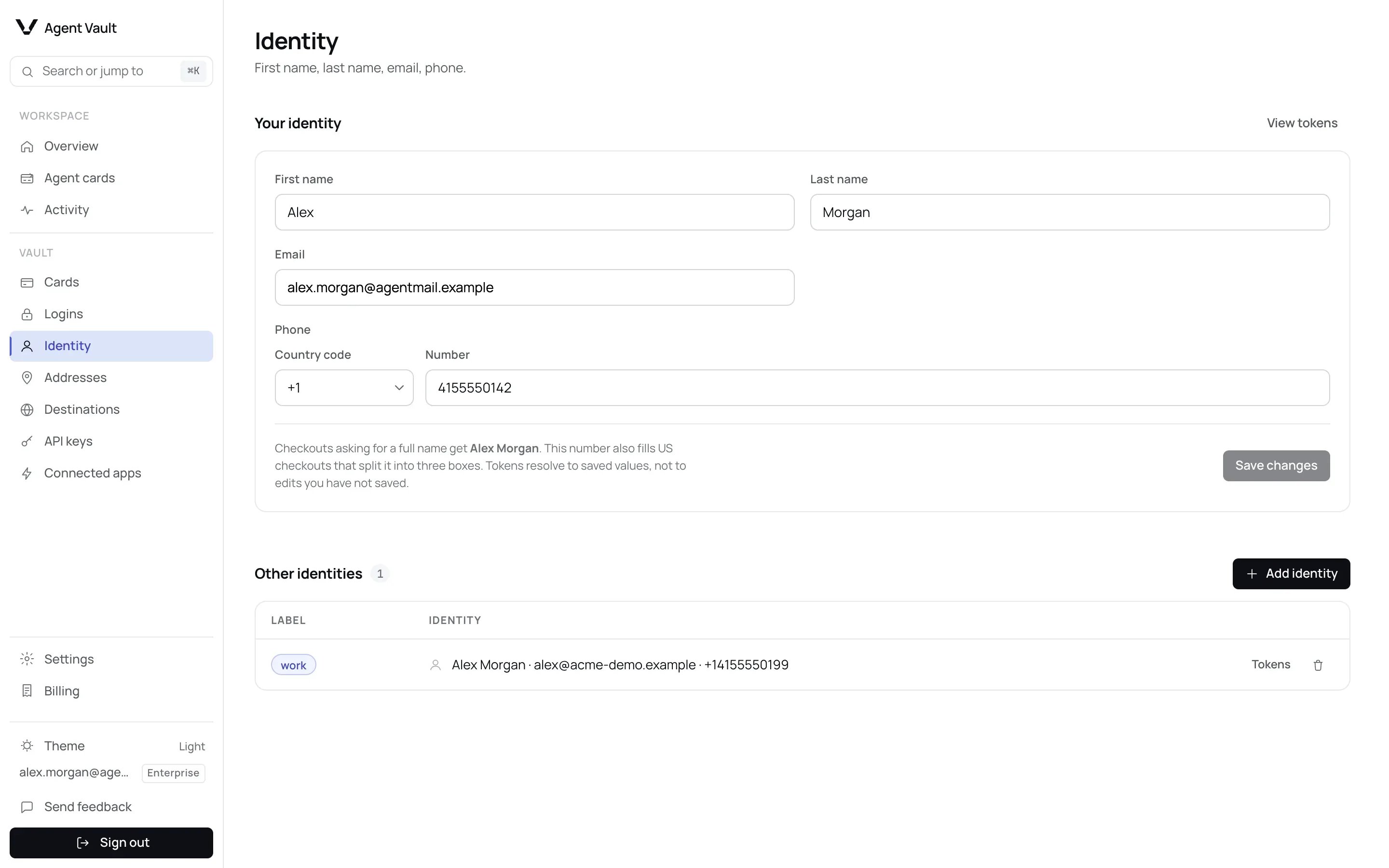
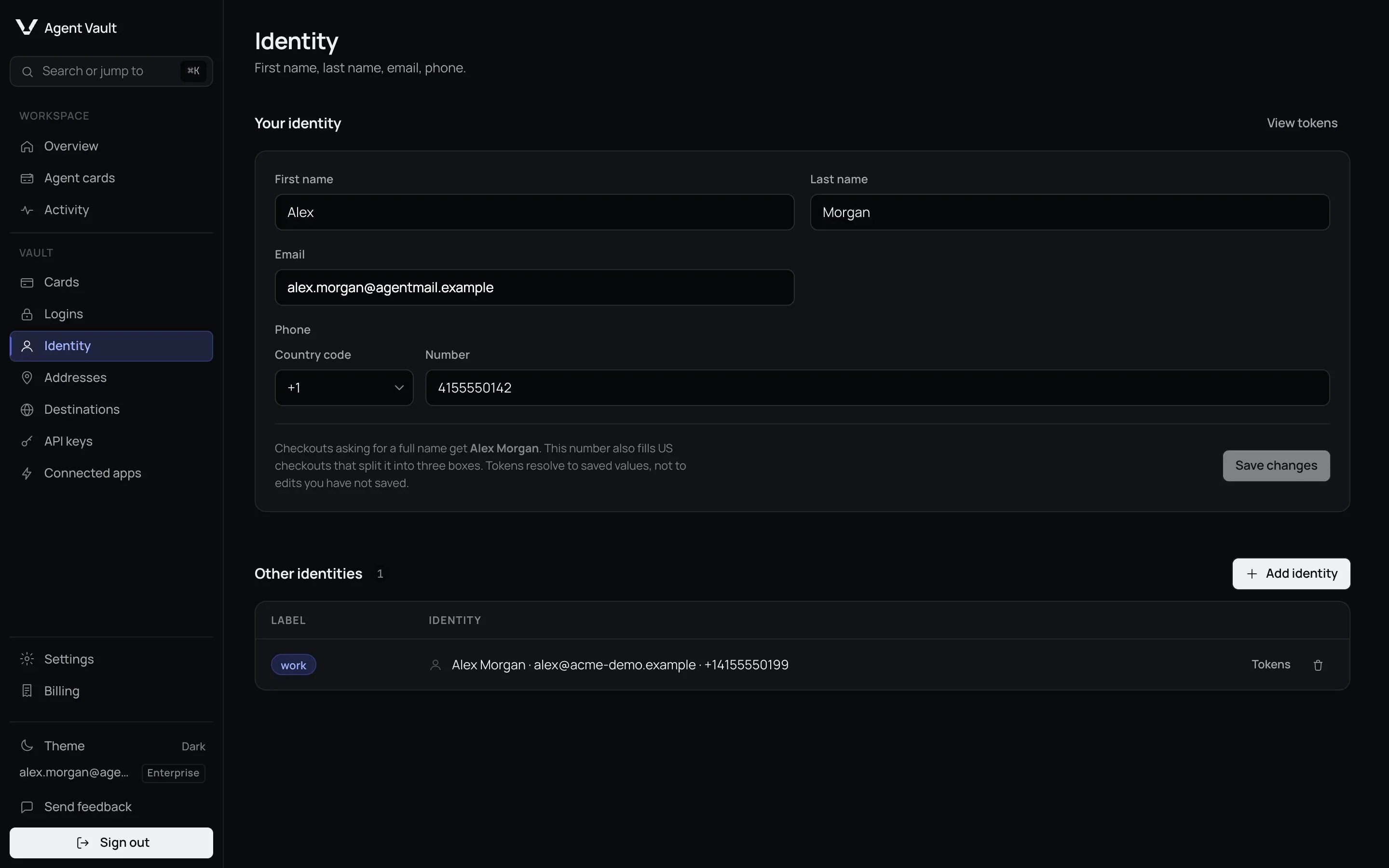
In the sidebar, under **Vault**, click **Identity**.
Enter **First name**, **Last name**, **Email** and **Phone**.
The button reads **Saved** for a moment.
Your agent can now fill your name, email and phone into checkouts. It always
uses the saved values, never unsaved edits.
| Field | What it does | Default | Recommendation |
| - | - | - | - |
| **First name**, **Last name** | Fill name boxes, alone or together | Empty | Your name as it appears on orders |
| **Email** | Fills email boxes at checkout | Empty | An inbox you check for order emails |
| **Phone** | Fills phone boxes in any shape. At least 4 digits after the country code, and at most 15 digits counting the country code. Otherwise the form says which rule failed and does not save | Empty | Pick the **Country code**, then type the number |
Below the form, the page says whether your number also fits US checkouts that
split it into three boxes.
### Add another identity
Add one when an agent needs a different email or phone, such as a work address.
It is under **Other identities**.
For example `work`: lowercase letters and digits, up to 16 characters.
Fill in at least a name, email or phone first.
It appears in your agent's token catalog straight away, under its label, next
to your main identity, which is labelled `default`. Tell your agent which label
to use. To remove it, click the trash
icon, then **Delete identity**.
### Older phone numbers
A phone saved before the **Country code** box existed may still be stored as
the text you typed. Until you save it again, your agent's `phone` token fills
that text unchanged, for example `5550100134` with no country code, rather than
the international form `+15550100134`.
To store it in international form:
* **Your identity:** check **Country code** and **Number**. Fill them in if they
are empty, then click **Save changes**. The button is active only after a
change, so if both boxes already show your number, retype one digit of it. If
you save other fields while both phone boxes are empty, the old number is
removed.
* **Other identities:** these cannot be edited. Delete the identity and add it
again with the same label, typing the phone with its country code, such as
`+15550100134`. Its tokens keep the same names, because they are built from
the label.
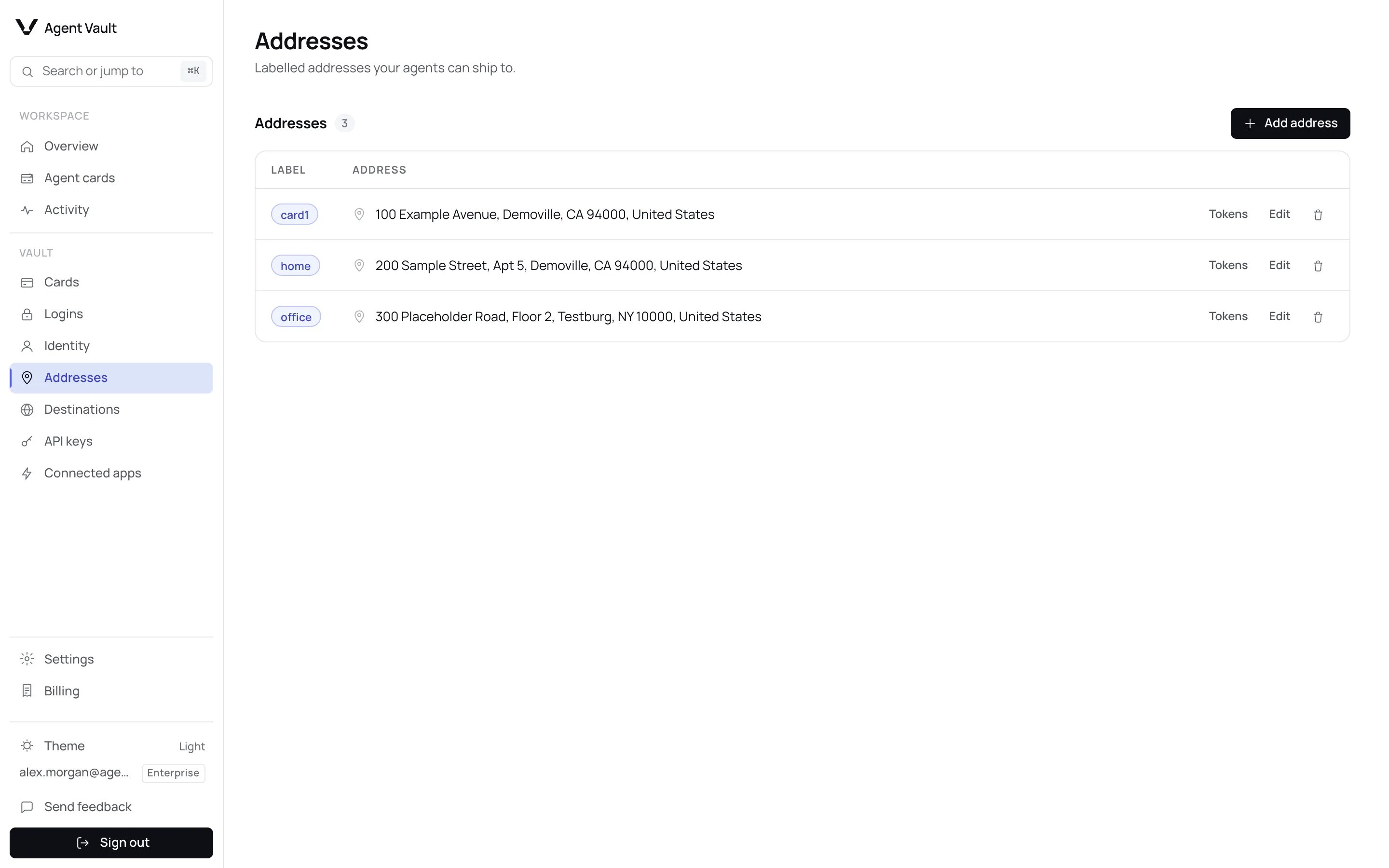
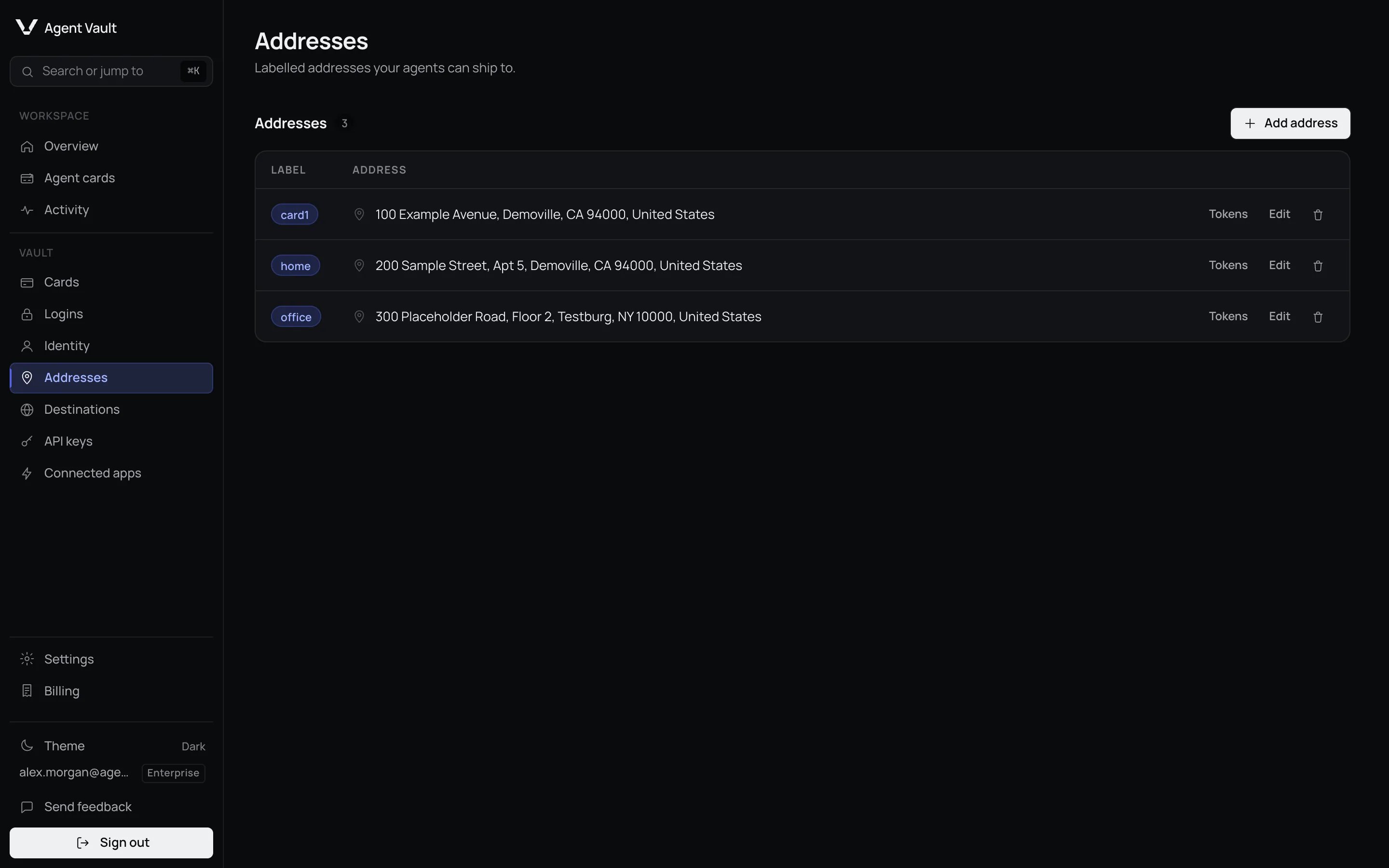
## Addresses
It is at the top of the **Addresses** page.
Lowercase letters and digits, up to 16 characters. See the table below.
**Apartment, suite, etc.** is optional. Every other field is required.
The address appears in the list.
Your agent can now fill this address by its label. To change it, click **Edit**,
then **Save changes**.
**Renaming an address replaces its tokens.** The label is part of every token
for that address, so after you change it, tokens your agent saved with the old
label stop working with `token_not_found`. Tell your agent to fetch its token
catalog again.
| Label | Use it for |
| - | - |
| `ship` | Where orders are delivered |
| `bill` | The billing address your bank has on file |
An address you type while adding a card is saved as `card1` or similar. You can
rename it. Words the tokens already use, such as `id`, `addr`, `login`, `card`,
`cvv`, an address part like `city` or an identity field like `email`, are
reserved. The form refuses them, but shows only **That address could not be
saved. Check the fields and try again.**, so pick another label. Your agent cannot see
which address is linked to which card, so tell it the label of each card's
billing address.
**Billing details must match the card.** A shipping address in a billing form is
one of the most common reasons a correct checkout is declined.
To delete an address, click the trash icon, then **Delete address**. Check
[Cards](/dashboard/cards) first: a card using it as its billing address is left
without one.
## What happens when…
| Situation | Why | What to do |
| - | - | - |
| A new site asks for approval | Your details fill only on sites you approve | Approve it. See [Destinations](/dashboard/destinations) |
| A phone number is cut short | The box takes a different shape | Your agent should use the country code and national number tokens |
| An address has no tokens | Its label is older than the current format | Rename it to lowercase letters and digits, then have your agent fetch its catalog again |
| You paused all agents | Nothing fills until you resume | Click **Resume all agents** on [Overview](/dashboard/overview#stop-every-agent-at-once) |
## For developers
| Token | Fills |
| - | - |
| `av_id__` | Your identity: `first_name`, `last_name`, `full_name`, `email`, `phone` |
| `phone_country`, `phone_national` | The country code and the number without it |
| `phone_area`, `phone_prefix`, `phone_line` | US three-box checkouts. `+1` numbers only |
| `av_id_
 Your agent fills each detail with a placeholder, and the real value is typed only
on sites you have approved.
## Identity
Your agent fills each detail with a placeholder, and the real value is typed only
on sites you have approved.
## Identity

 ### Older phone numbers
A phone saved before the **Country code** box existed may still be stored as
the text you typed. Until you save it again, your agent's `phone` token fills
that text unchanged, for example `5550100134` with no country code, rather than
the international form `+15550100134`.
To store it in international form:
* **Your identity:** check **Country code** and **Number**. Fill them in if they
are empty, then click **Save changes**. The button is active only after a
change, so if both boxes already show your number, retype one digit of it. If
you save other fields while both phone boxes are empty, the old number is
removed.
* **Other identities:** these cannot be edited. Delete the identity and add it
again with the same label, typing the phone with its country code, such as
`+15550100134`. Its tokens keep the same names, because they are built from
the label.
## Addresses
### Older phone numbers
A phone saved before the **Country code** box existed may still be stored as
the text you typed. Until you save it again, your agent's `phone` token fills
that text unchanged, for example `5550100134` with no country code, rather than
the international form `+15550100134`.
To store it in international form:
* **Your identity:** check **Country code** and **Number**. Fill them in if they
are empty, then click **Save changes**. The button is active only after a
change, so if both boxes already show your number, retype one digit of it. If
you save other fields while both phone boxes are empty, the old number is
removed.
* **Other identities:** these cannot be edited. Delete the identity and add it
again with the same label, typing the phone with its country code, such as
`+15550100134`. Its tokens keep the same names, because they are built from
the label.
## Addresses