> ## Documentation Index
> Fetch the complete documentation index at: https://docs.agentvault.io/llms.txt
> Use this file to discover all available pages before exploring further.
# Live CVV entry
> Fill a card's security code without it ever being stored, and handle the cases where the account holder cannot supply it in time.
Fill a card's security code at checkout, and know what to do when the fill returns `cvv_entry_required`. Wiring it up takes about 5 minutes.
The security code (CVV) is never stored: PCI DSS 3.3.1 forbids it. The account holder types it at checkout, and the proxy puts it straight into the merchant's field. The expiry is ordinary metadata, so the catalog gives you the real one. See [CVV policy](/security/cvv-policy).
## Before you start
* A card in the token catalog. Every card has a `cvv` token, for example `av_card_1_cvv_u7x2k`.
* A deployment with live CVV entry, as on the hosted service. Without it, no fill can supply the code.
* A key with **Fill a test card instead of my card** cleared. A test-card key never raises the prompt.
* The card number filled immediately before the code. See [the card fill order](/guides/first-checkout#the-card-fill-order).
## Fill the security code
```ts theme={null}
await page.fill("#cardNumber", card.number);
await page.fill("#cvv", card.cvv); // nothing in between
```
Over MCP, put both in one `fill_checkout` call, number first.
The code fill pauses for up to 3 minutes while the account holder enters the code. Their link expires when the wait ends, sooner if the proxy is shutting down.
Do not cancel it. Do not start another code fill with the same API key, for any card: a newer one supersedes the prompt they may be answering.
If the fill returns, [submit the order once](/guides/first-checkout). If it throws `cvv_entry_required`, read the message and use the table below.
The merchant received the code. Your agent never saw it.
Never source a CVV yourself, from the account holder in chat or anywhere else. A code typed into a chat ends up in the model provider's records. If the fill cannot complete, report it. Offer a retry only after a missed prompt or a prompt that could not be started, never when the deployment has no live CVV entry.
## What the account holder sees
They get a dashboard banner reading "Your agent needs your card security code". They also get an **Enter security code** email and an alert on each other channel they turned on, as long as their **A checkout needs my card security code** switch is on. Ask them to turn on **Background alerts** on the phone they carry: besides email, it is the only alert that reaches them when no dashboard tab is open.

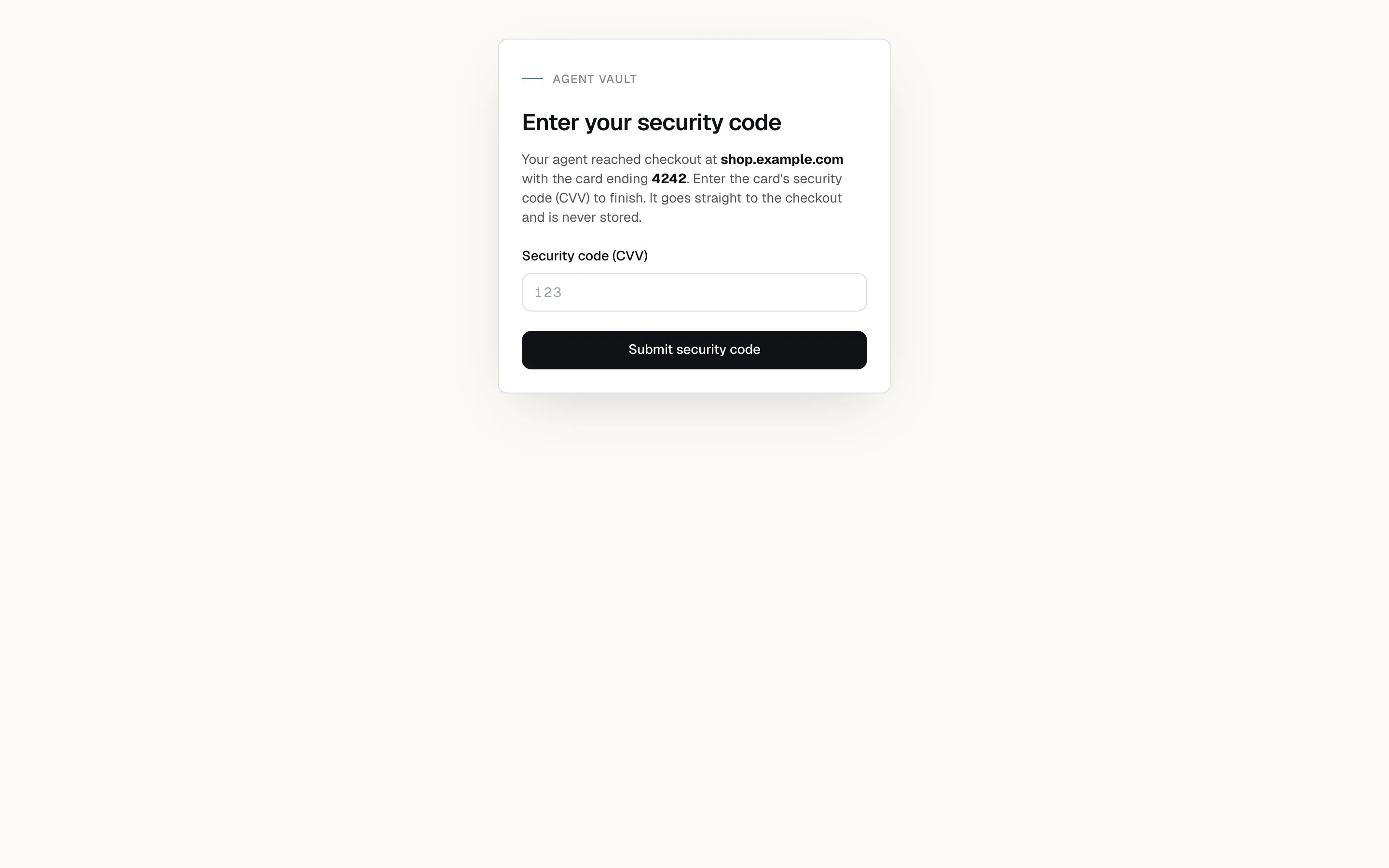
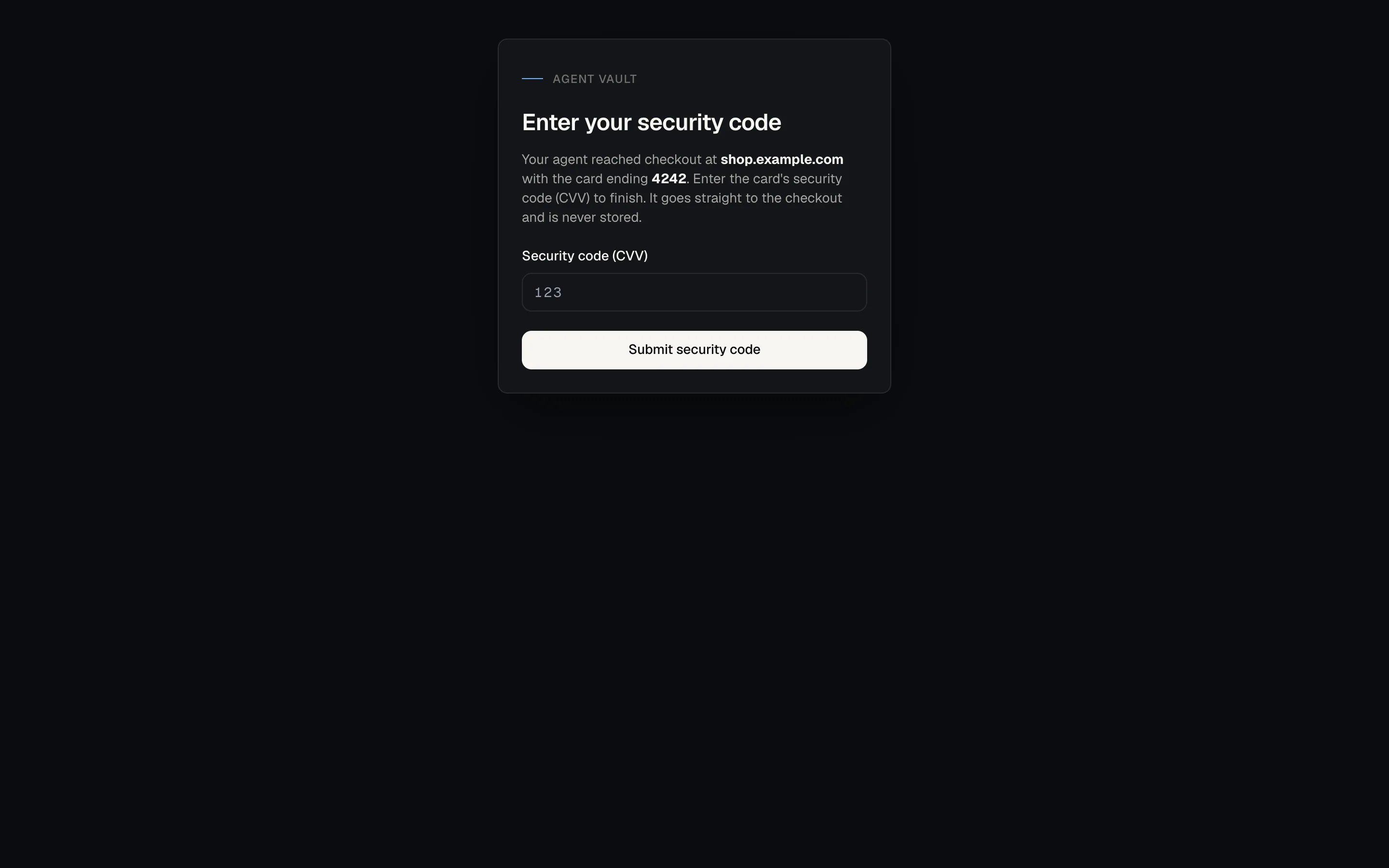
 The entry page names the merchant and the card's last four digits. They type the code and tap **Submit security code**.
 ## If something goes wrong
The `cvv_entry_required` message says which of these happened.
| Symptom | Cause | Fix |
| - | - | - |
| `cvv_entry_required`: "**Could not start** live CVV entry" | Agent Vault could not raise the prompt | Retry. A retry raises a fresh prompt |
| `cvv_entry_required`: **timed out** | The account holder missed the window, and their link stopped working | Retry |
| `cvv_entry_required`: the proxy **is shutting down** | The proxy was restarting with too little time left to wait, so the account holder was not asked | Retry in a new session, which lands on a running proxy. See the note below |
| `cvv_entry_required`: **superseded** | A newer prompt is already in front of the account holder | Do **not** retry |
| `cvv_entry_required`: **cancelled** | The session closed | Open a new session. See the note below |
| `cvv_entry_required`: "Live CVV entry is **not yet available**" | The deployment has no live CVV entry, so every fill fails the same way | Do **not** retry. Tell the account holder this deployment cannot complete a checkout that asks for the security code |
| `paired_cvv_refused` | The number is already in the form and only the code was withheld, usually because the total changed or something acted between the two | Do not refill the whole card: that types a second number. Follow the message's next step. See [paired\_cvv\_refused](/sdk/error-codes#card-and-merchant-refusals) |
| `approval_denied` from `selectOption` | A card or `cvv` token was passed to a dropdown, which is always refused | Fill the code through the normal fill path |
Do not branch on the code alone. Match a bold phrase above in the message, and treat no match as do not retry. Retrying a superseded prompt cancels the one the account holder is answering.
A new session means filling the card number again. If the number was already filled before the code failed, that fill stays recorded: it still counts toward the card's spend limits and the account's payment quota, and it is not reversed. The new fill records a second spend attempt for the same purchase and can hit a spending cap or `plan_quota_reached`. Check [Activity](/dashboard/activity) before you open the new session.
On a saved-card checkout, the code fill carries the total check. If the total rose afterwards, filling the code again re-checks it. On an agent card with a spending limit, a code filled on its own is refused with `limit_reached`, though no limit was reached. Use a checkout that takes the card number, or ask the account holder to remove the limit.
**Next:** [Run a checkout end to end](/guides/first-checkout) to see where the code fits in the full flow.
This documentation is built and hosted on [Mintlify](https://mintlify.com), a developer documentation platform.
## If something goes wrong
The `cvv_entry_required` message says which of these happened.
| Symptom | Cause | Fix |
| - | - | - |
| `cvv_entry_required`: "**Could not start** live CVV entry" | Agent Vault could not raise the prompt | Retry. A retry raises a fresh prompt |
| `cvv_entry_required`: **timed out** | The account holder missed the window, and their link stopped working | Retry |
| `cvv_entry_required`: the proxy **is shutting down** | The proxy was restarting with too little time left to wait, so the account holder was not asked | Retry in a new session, which lands on a running proxy. See the note below |
| `cvv_entry_required`: **superseded** | A newer prompt is already in front of the account holder | Do **not** retry |
| `cvv_entry_required`: **cancelled** | The session closed | Open a new session. See the note below |
| `cvv_entry_required`: "Live CVV entry is **not yet available**" | The deployment has no live CVV entry, so every fill fails the same way | Do **not** retry. Tell the account holder this deployment cannot complete a checkout that asks for the security code |
| `paired_cvv_refused` | The number is already in the form and only the code was withheld, usually because the total changed or something acted between the two | Do not refill the whole card: that types a second number. Follow the message's next step. See [paired\_cvv\_refused](/sdk/error-codes#card-and-merchant-refusals) |
| `approval_denied` from `selectOption` | A card or `cvv` token was passed to a dropdown, which is always refused | Fill the code through the normal fill path |
Do not branch on the code alone. Match a bold phrase above in the message, and treat no match as do not retry. Retrying a superseded prompt cancels the one the account holder is answering.
A new session means filling the card number again. If the number was already filled before the code failed, that fill stays recorded: it still counts toward the card's spend limits and the account's payment quota, and it is not reversed. The new fill records a second spend attempt for the same purchase and can hit a spending cap or `plan_quota_reached`. Check [Activity](/dashboard/activity) before you open the new session.
On a saved-card checkout, the code fill carries the total check. If the total rose afterwards, filling the code again re-checks it. On an agent card with a spending limit, a code filled on its own is refused with `limit_reached`, though no limit was reached. Use a checkout that takes the card number, or ask the account holder to remove the limit.
**Next:** [Run a checkout end to end](/guides/first-checkout) to see where the code fits in the full flow.
This documentation is built and hosted on [Mintlify](https://mintlify.com), a developer documentation platform.