> ## Documentation Index
> Fetch the complete documentation index at: https://docs.agentvault.io/llms.txt
> Use this file to discover all available pages before exploring further.
# Screenshot redaction
> Why every screenshot is black after a token fill, why most sessions store no receipt image, and what the audit trail never contains.
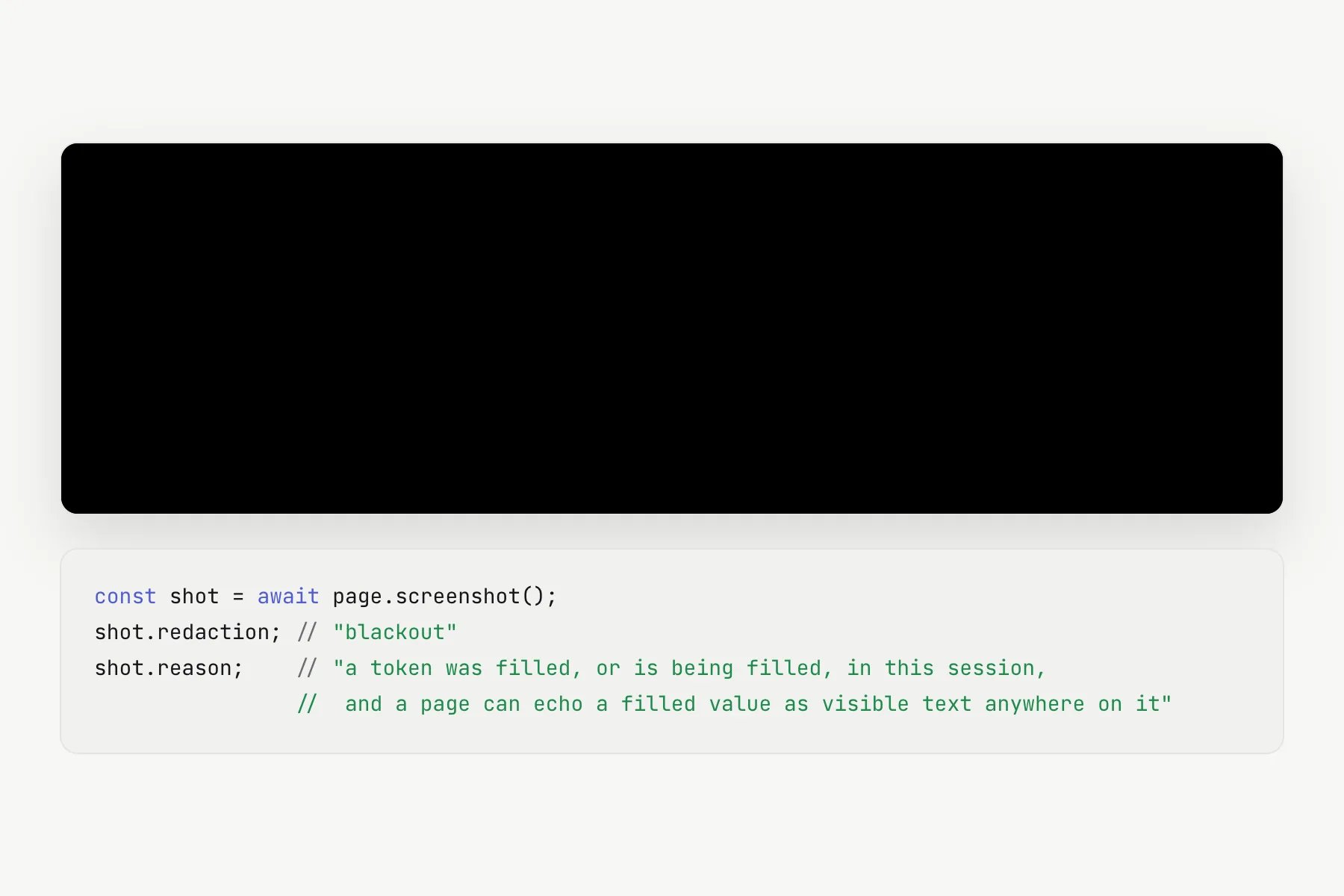
After the first token fill in a session, every screenshot is black, so no image
can carry a value the proxy typed.
## The guarantee
**After the first token fill in a session, every screenshot the agent takes is a
solid black image for the rest of that session, and a session receipt image is
stored only when the proxy filled no sensitive value anywhere in the session.**
The blackout persists across navigation, new tabs and `page.close()`. Only a new
proxy session clears it, and that discards the browser with it.
## How it works
### Why the whole image, not just the field
A page can echo a filled value as visible text anywhere on itself:
* A confirmation page prints the submitted email.
* A shipping step repeats the address outside the input.
* A validation message quotes what was typed.
* A single-page checkout renders a summary on a new document, where the original
input no longer exists.
Covering the input's bounding box catches none of these. Scrubbing pixels
selectively would require knowing where the value appears, which means reading
the page with script, and `evaluate()` is disabled for agent sessions because it
is a general-purpose read channel. Withholding the whole capture is the only
approach that is sound.
 ### Reading the result
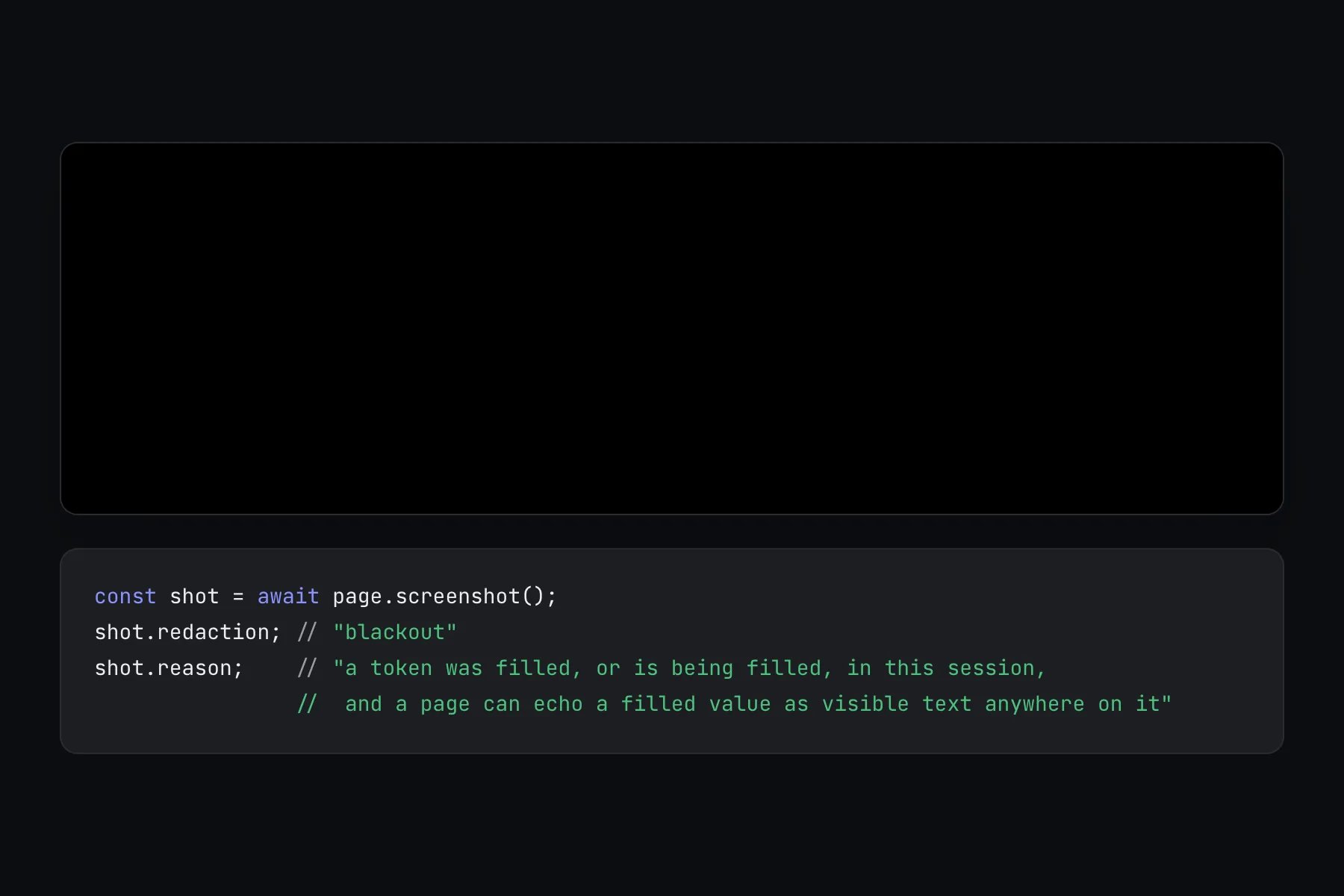
`screenshot()` returns PNG bytes with metadata attached:
```ts theme={null}
const shot = await page.screenshot();
shot.redaction; // "blackout"
shot.reason; // a short explanation of which rule applied
```
| `redaction` | Meaning |
| - | - |
| `none` | The image is untouched. Expected before any token fill |
| `fields` | Substituted fields are boxed out |
| `blackout` | The whole image is withheld. Expected after any token fill |
| `unknown` | The proxy did not say, which an older proxy can do. Treat it as possibly redacted, never as untouched |
The `reason` string is written by the proxy and never contains page text or a
redacted value, so it is safe to log.
**Read `redaction` before you read the pixels.**
A black image is not a dark page, a failed render, or evidence that a click did
nothing. An agent that treats a blackout as a blank page may conclude its
navigation failed and start the checkout again, which can produce a second
order.
A different result, `Screenshot withheld`, means the image could not be measured
and was refused rather than blacked out.
### Screenshots and the card fill
After a token fill, a capture no longer alters the page, for example by skipping
animations, to get an image. A page with an animation that never settles
therefore fails the screenshot rather than returning one. Treat that as a failed
capture and nothing more: the card number is still in the form and the security
code is still the next thing to fill. Do **not** refill the number, which would
type a second number and record a second spend.
In the rare case a capture returns `securityCodeAuthorizationReleased`, the
one-time authorization the card number armed for its security code was released.
Fill the number again and then the code, with nothing in between.
### Seeing a page without screenshots
`snapshot()` returns the accessibility tree with every field's role, name and
a ref handle, reaching into iframes. Field values are always stripped.
`observe()` answers a fixed set of questions about the page, plus the
page's validation messages in `errorText`, scrubbed of every substituted
value. `count()` and `waitForSelector()` answer questions you ask with a
selector. A selector that tests a field's value or a digit is refused.
Text without digits is allowed, so the non-digit characters of any value
the page echoes can still be probed. See
[the digit-free echo exception](/security/agent-context#the-guarantee).
The practical advice: **take your look before you fill**, at the product page,
the cart and the empty checkout form. The full read surface is on
[What the agent can see](/security/agent-context).
### Values kept for scrubbing
A token fill uses its real value once. To scrub that value from everything the
agent sees afterwards, such as `errorText` and error messages, the proxy also
keeps the value and the other spellings a page may print it in (for example
URL-encoded, JSON-escaped or with whitespace collapsed) in its own memory for the
rest of the session. They are dropped when the session closes, and a new session
starts with none.
### Receipts follow a stricter rule
The [Activity](/dashboard/activity) feed can show a screenshot of the merchant's
confirmation page as the session receipt.
**A receipt image is stored only when the proxy filled no sensitive value anywhere
in the session.** If any tokenized fill landed, on the page being captured, on an
earlier page in the same tab, or in another tab, `recordOutcome()` stores **no
receipt image at all**.
The reason is the same as for the blackout: a confirmation page commonly echoes
the submitted email or shipping address on a new document, and without reading the
page the proxy cannot prove the echo is absent. A useful confirmation image and a
guarantee that no personal data is stored are incompatible without page access,
and Agent Vault keeps the guarantee.
In practice:
* A normal token-filled checkout shows **no receipt image**, and is marked
confirmed without one.
* A session that filled nothing sensitive, such as a one-click checkout with a
saved payment method, can get one. Capture is best effort, so a failed
screenshot, an oversized image or a failed save leaves it without one.
A stored receipt is still redacted, downscaled and size-capped, and an oversized
one is dropped. Because it is a picture of the merchant's own confirmation page,
it can show what the merchant chooses to display, such as a shipping name or
"card ending 1111". That is the account holder's own data on their own activity
page, and is distinct from the values the proxy injects.
### What the audit trail never contains
No value the proxy substitutes is ever stored in a session event. Events record the
token **kind** and non-sensitive context only.
The one piece of agent-supplied free text that can be stored, the optional order
total passed to `recordOutcome()`, is restricted to a money format at both the
proxy and the storage boundary. An email, name, password or CVV-shaped string in
that field is dropped.
Operational logs and error reports from the proxy are also scrubbed of
substituted values and card-number-shaped strings before they leave it.
## Refusals
| Code | Meaning |
| - | - |
| `sensitive_data_blocked` | `snapshot()` or `listFrames()` after a fill. A **new** session starts clean |
| `clipboard_blocked` | A modifier key chord after a fill. A chord can move text the session is never shown |
| `evaluate_disabled` | Always, by design |
## What this does not protect against
* **Screenshots after a handoff with no token fill.** Once the account holder has
been handed the page for a [challenge](/guides/challenges), screenshots are not
blacked out unless a token was also filled, and the page can echo what the
holder typed. Agents are instructed to stop taking screenshots once a handoff
has been granted.
* **Screenshots before the first fill.** These are normal captures and show
whatever the merchant page displays on its own.
* **The merchant's own records.** What a merchant prints on its confirmation page
or sends by email is outside Agent Vault.
## How to verify
Open a session on a test checkout and call `screenshot()`. `redaction` is
`none`.
Fill an address token, then call `screenshot()`. The image is black and
`redaction` is `blackout`.
Open a new tab or navigate to another page in the same session. The capture is
still black.
After a token-filled test checkout completes and the agent records the
outcome, open the session in **Activity**. It has no receipt image. Session
recording is best effort, so if the session is missing, run the test again.
## Related
The complete read surface, before and after a fill.
How to confirm what a session did without a screenshot.
This documentation is built and hosted on [Mintlify](https://mintlify.com), a developer documentation platform.
### Reading the result
`screenshot()` returns PNG bytes with metadata attached:
```ts theme={null}
const shot = await page.screenshot();
shot.redaction; // "blackout"
shot.reason; // a short explanation of which rule applied
```
| `redaction` | Meaning |
| - | - |
| `none` | The image is untouched. Expected before any token fill |
| `fields` | Substituted fields are boxed out |
| `blackout` | The whole image is withheld. Expected after any token fill |
| `unknown` | The proxy did not say, which an older proxy can do. Treat it as possibly redacted, never as untouched |
The `reason` string is written by the proxy and never contains page text or a
redacted value, so it is safe to log.
**Read `redaction` before you read the pixels.**
A black image is not a dark page, a failed render, or evidence that a click did
nothing. An agent that treats a blackout as a blank page may conclude its
navigation failed and start the checkout again, which can produce a second
order.
A different result, `Screenshot withheld`, means the image could not be measured
and was refused rather than blacked out.
### Screenshots and the card fill
After a token fill, a capture no longer alters the page, for example by skipping
animations, to get an image. A page with an animation that never settles
therefore fails the screenshot rather than returning one. Treat that as a failed
capture and nothing more: the card number is still in the form and the security
code is still the next thing to fill. Do **not** refill the number, which would
type a second number and record a second spend.
In the rare case a capture returns `securityCodeAuthorizationReleased`, the
one-time authorization the card number armed for its security code was released.
Fill the number again and then the code, with nothing in between.
### Seeing a page without screenshots
`snapshot()` returns the accessibility tree with every field's role, name and
a ref handle, reaching into iframes. Field values are always stripped.
`observe()` answers a fixed set of questions about the page, plus the
page's validation messages in `errorText`, scrubbed of every substituted
value. `count()` and `waitForSelector()` answer questions you ask with a
selector. A selector that tests a field's value or a digit is refused.
Text without digits is allowed, so the non-digit characters of any value
the page echoes can still be probed. See
[the digit-free echo exception](/security/agent-context#the-guarantee).
The practical advice: **take your look before you fill**, at the product page,
the cart and the empty checkout form. The full read surface is on
[What the agent can see](/security/agent-context).
### Values kept for scrubbing
A token fill uses its real value once. To scrub that value from everything the
agent sees afterwards, such as `errorText` and error messages, the proxy also
keeps the value and the other spellings a page may print it in (for example
URL-encoded, JSON-escaped or with whitespace collapsed) in its own memory for the
rest of the session. They are dropped when the session closes, and a new session
starts with none.
### Receipts follow a stricter rule
The [Activity](/dashboard/activity) feed can show a screenshot of the merchant's
confirmation page as the session receipt.
**A receipt image is stored only when the proxy filled no sensitive value anywhere
in the session.** If any tokenized fill landed, on the page being captured, on an
earlier page in the same tab, or in another tab, `recordOutcome()` stores **no
receipt image at all**.
The reason is the same as for the blackout: a confirmation page commonly echoes
the submitted email or shipping address on a new document, and without reading the
page the proxy cannot prove the echo is absent. A useful confirmation image and a
guarantee that no personal data is stored are incompatible without page access,
and Agent Vault keeps the guarantee.
In practice:
* A normal token-filled checkout shows **no receipt image**, and is marked
confirmed without one.
* A session that filled nothing sensitive, such as a one-click checkout with a
saved payment method, can get one. Capture is best effort, so a failed
screenshot, an oversized image or a failed save leaves it without one.
A stored receipt is still redacted, downscaled and size-capped, and an oversized
one is dropped. Because it is a picture of the merchant's own confirmation page,
it can show what the merchant chooses to display, such as a shipping name or
"card ending 1111". That is the account holder's own data on their own activity
page, and is distinct from the values the proxy injects.
### What the audit trail never contains
No value the proxy substitutes is ever stored in a session event. Events record the
token **kind** and non-sensitive context only.
The one piece of agent-supplied free text that can be stored, the optional order
total passed to `recordOutcome()`, is restricted to a money format at both the
proxy and the storage boundary. An email, name, password or CVV-shaped string in
that field is dropped.
Operational logs and error reports from the proxy are also scrubbed of
substituted values and card-number-shaped strings before they leave it.
## Refusals
| Code | Meaning |
| - | - |
| `sensitive_data_blocked` | `snapshot()` or `listFrames()` after a fill. A **new** session starts clean |
| `clipboard_blocked` | A modifier key chord after a fill. A chord can move text the session is never shown |
| `evaluate_disabled` | Always, by design |
## What this does not protect against
* **Screenshots after a handoff with no token fill.** Once the account holder has
been handed the page for a [challenge](/guides/challenges), screenshots are not
blacked out unless a token was also filled, and the page can echo what the
holder typed. Agents are instructed to stop taking screenshots once a handoff
has been granted.
* **Screenshots before the first fill.** These are normal captures and show
whatever the merchant page displays on its own.
* **The merchant's own records.** What a merchant prints on its confirmation page
or sends by email is outside Agent Vault.
## How to verify
Open a session on a test checkout and call `screenshot()`. `redaction` is
`none`.
Fill an address token, then call `screenshot()`. The image is black and
`redaction` is `blackout`.
Open a new tab or navigate to another page in the same session. The capture is
still black.
After a token-filled test checkout completes and the agent records the
outcome, open the session in **Activity**. It has no receipt image. Session
recording is best effort, so if the session is missing, run the test again.
## Related
The complete read surface, before and after a fill.
How to confirm what a session did without a screenshot.
This documentation is built and hosted on [Mintlify](https://mintlify.com), a developer documentation platform.