

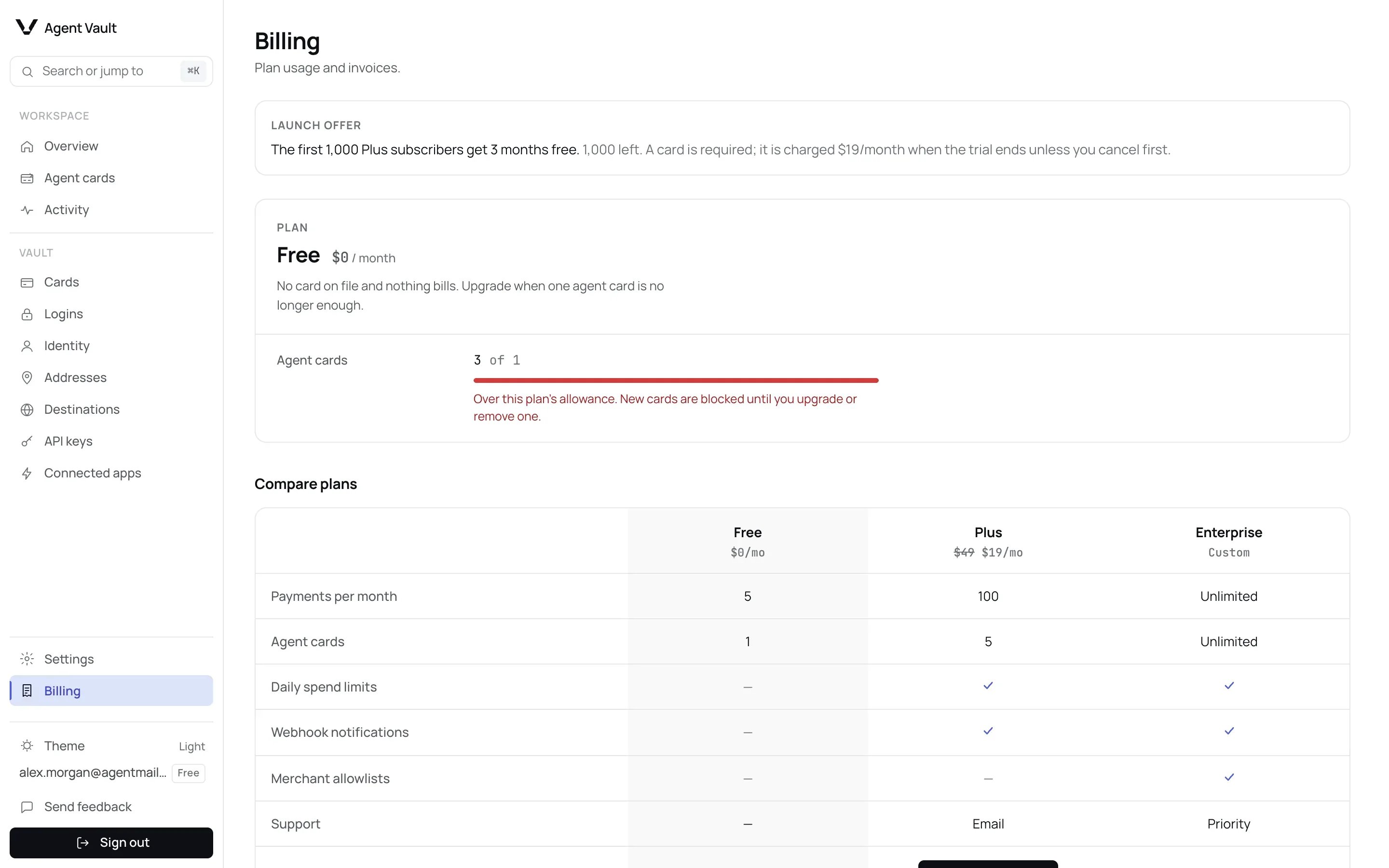
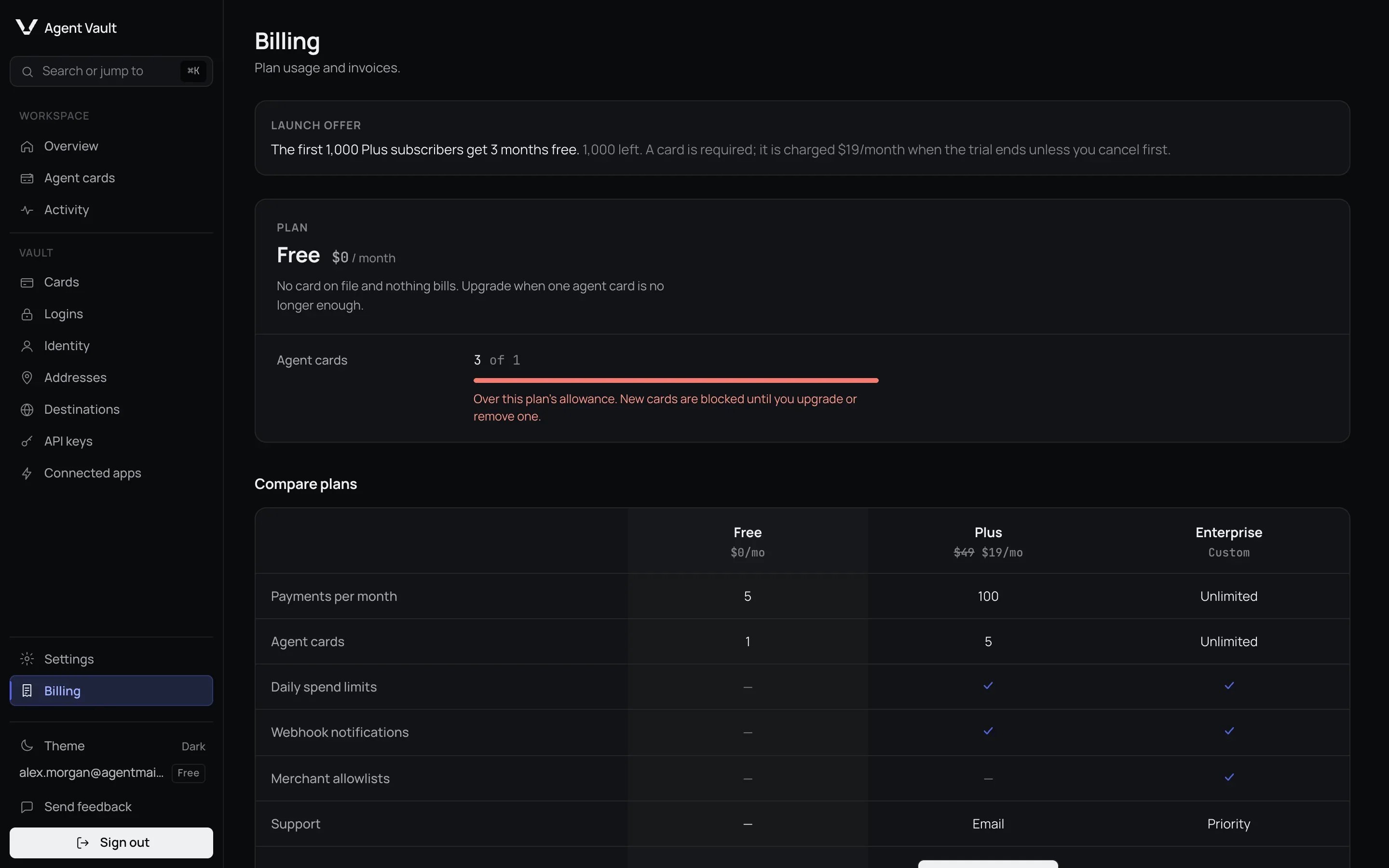
The Billing page.
Compare plans
A payment is a card fill: your card number reaching a checkout page. An
abandoned checkout still uses one.
Credentials are the logins you save on Logins. Other
ceilings are on Limits.
Plus adds email support and Enterprise adds priority support. Launch
subscribers to Plus lock in lifetime pricing. Your plan is marked Current
plan on the page.
Enterprise is not self-serve. Its button reads Contact us: email
team@self.xyz for pricing.
Upgrade your plan
1
Click Upgrade to Plus
Under Compare plans. The secure checkout opens in the same window.
If it reads Start 3 months free, your card is charged $19 per month
after the trial: see Plus launch trial.
2
Complete payment
You return to Billing with the message Upgrade received.
Plus launch trial
The first 1,000 Plus subscribers get 3 months free. While you qualify, Billing shows a Launch offer panel with the number of trials left, and the Plus button reads Start 3 months free instead of Upgrade to Plus.- Who qualifies: an account on Free that has never subscribed. An account that paid before and cancelled does not. One trial per account.
- What you pay: nothing at checkout, but you enter a card. When the trial ends, it is charged $19 per month until you cancel.
- To avoid the charge: cancel, or remove the card, in the billing portal before the trial ends. You return to Free.
- How long: 3 calendar months plus one hour, from when you open the checkout (UTC). Open it at 10:00 UTC on October 7 and the trial ends at 11:00 UTC on January 7. A day the end month lacks moves to its last day.
- How trials are counted: opening the Plus checkout holds a trial for about an hour. If you leave without paying, it goes back.
- During the trial: you are on Plus, with Plus’s limits.
Change, downgrade or cancel
1
Click Manage billing
At the top of the Billing page. It appears after your first upgrade.
2
Make the change in the billing portal
Update your card, see invoices, or cancel. Enterprise is arranged by
contacting team@self.xyz, not in the portal.
Your usage
The top of the page shows your Plan, its price, and Agent cards as a count out of your plan’s number, such as2 of 1.
That count is the total, including agent cards showing No funding card,
which use none of your allowance. When the total is above your plan’s number,
the bar turns red and the note Over this plan’s allowance. New cards are
blocked until you upgrade or remove one. appears. That can happen while a
slot is still free.
Before you delete or upgrade because of this figure, check Agent cards for
cards showing No funding card. See
Agent cards allowance.
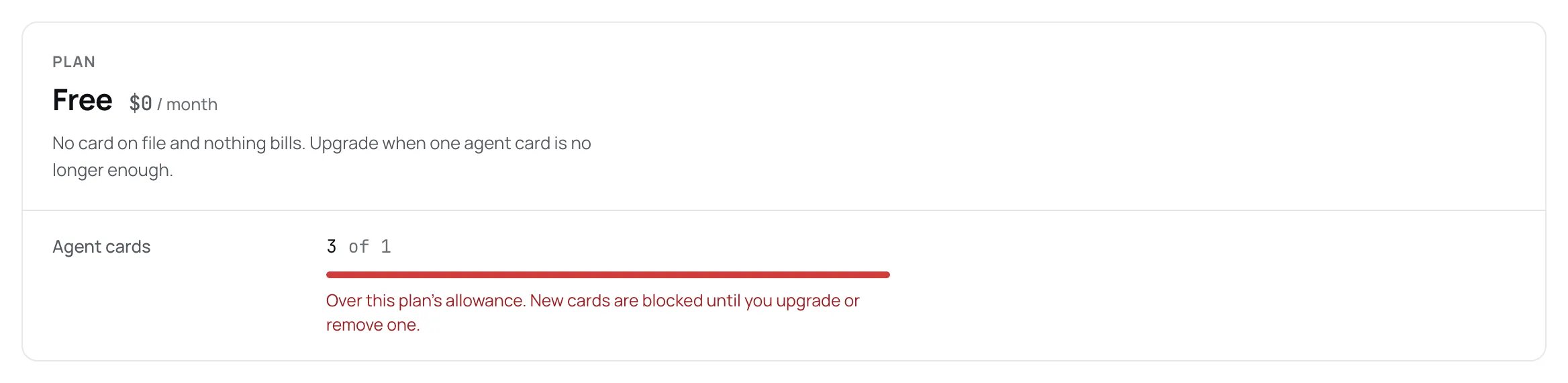
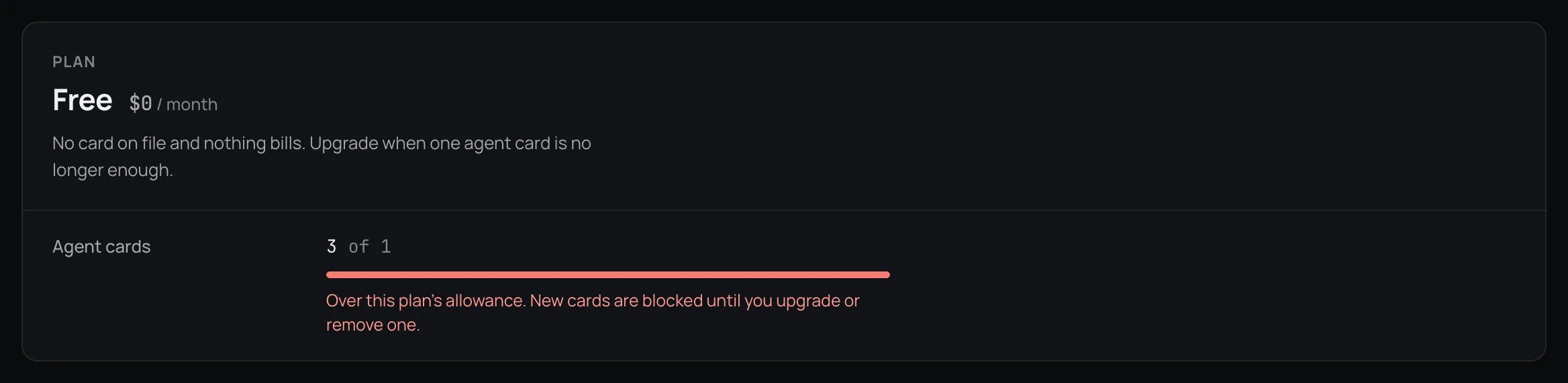
The usage panel when the total agent card count is above the plan's number.
When a plan limit is reached
Your agent is told which limit it hit and to stop. Retrying does not help.
Free and Plus have a payment ceiling. Enterprise has none.
Agent cards allowance
Only agent cards linked to a funding card you still hold use the allowance. If you delete a funding card, its agent cards show No funding card and use no slot. The allowance goes to your oldest linked agent cards. Newer ones beyond it are refused. To get going:- Upgrade.
- Have your agent pay with a card one of your oldest linked agent cards controls.
- Delete an older linked agent card. This is permanent: see Delete an agent card.
How plan features are enforced
Agent Vault enforces plan features on the server, not only in the dashboard.
If you downgrade, a daily limit you already saved stays in force. Click Clear
next to it to remove it.
An agent card already in Allowlist only mode when you leave Enterprise
keeps enforcing its saved allowlist: it still pays only at the sites listed. The
mode stays selected and the sites are shown, but you cannot add or remove them.
To change where that agent card pays, switch its Mode to Allow all or
Blocklist, or return to Enterprise.
Why can't I pause my subscription in the billing portal?
Why can't I pause my subscription in the billing portal?
The portal offers only cancelling, updating your card and invoices. Pausing is
left out because resuming restarts charging on its own, so a leaked portal link
cannot start or resume billing.
For developers
Next: Agent cards to use daily limits, allowlists and webhooks.