



The Your data section of Settings.
What is stored
Every record also carries its own internal ID and the time it was written.
What is never stored
The practice checkout
The practice checkout at/demo-checkout is a stand-in merchant, not part of
your account. When an agent checks out there, the proxy types your real name and
address into it, as it would on any merchant. What the page keeps depends on the
deployment you run it on.
These records are not linked to your account. Deleting your account does not
remove them, and the export does not include them.
Export your data
1
Open Settings
In the sidebar, under Account, click Settings.
2
Click Export
Under Your data, next to Export my data.
- your profile and settings;
- identities, addresses, logins, cards, agent cards and API keys;
- destinations (
authorizedDestinations); - pre-approved signup sites and emails (
signupPreapprovals); - hosted MCP connections (
mcpConnections): client, subject, API key and consent IDs, and when each was created, last used and had its access chosen. The time a connection closed is not included; its API key’srevokedandrevokedAtfields show whether and when that key was revoked.
- Passwords, because the file may be shared. Each login shows only
hasPassword. - Card numbers. Agent Vault does not hold them; the card vault provider does.
- API key secrets and the short-lived MCP credentials. Only a scrambled form (hash) is kept, so they cannot be recovered.
Delete your account
Export a copy first if you want one.1
Click Delete account
On Settings, under Your data.
2
Type your email address
In the Delete this account dialog.
3
Click Delete my account
When it succeeds, you are signed out and the account is gone. Your history
is erased in the background: see
What happens when you delete.
deletion_blocked, the account and its data stay
and you stay signed in. Billing steps that already ran, such as cancelling your
subscription, are not undone: the message lists them. Retry in a few minutes.
Steps that already happened are skipped.
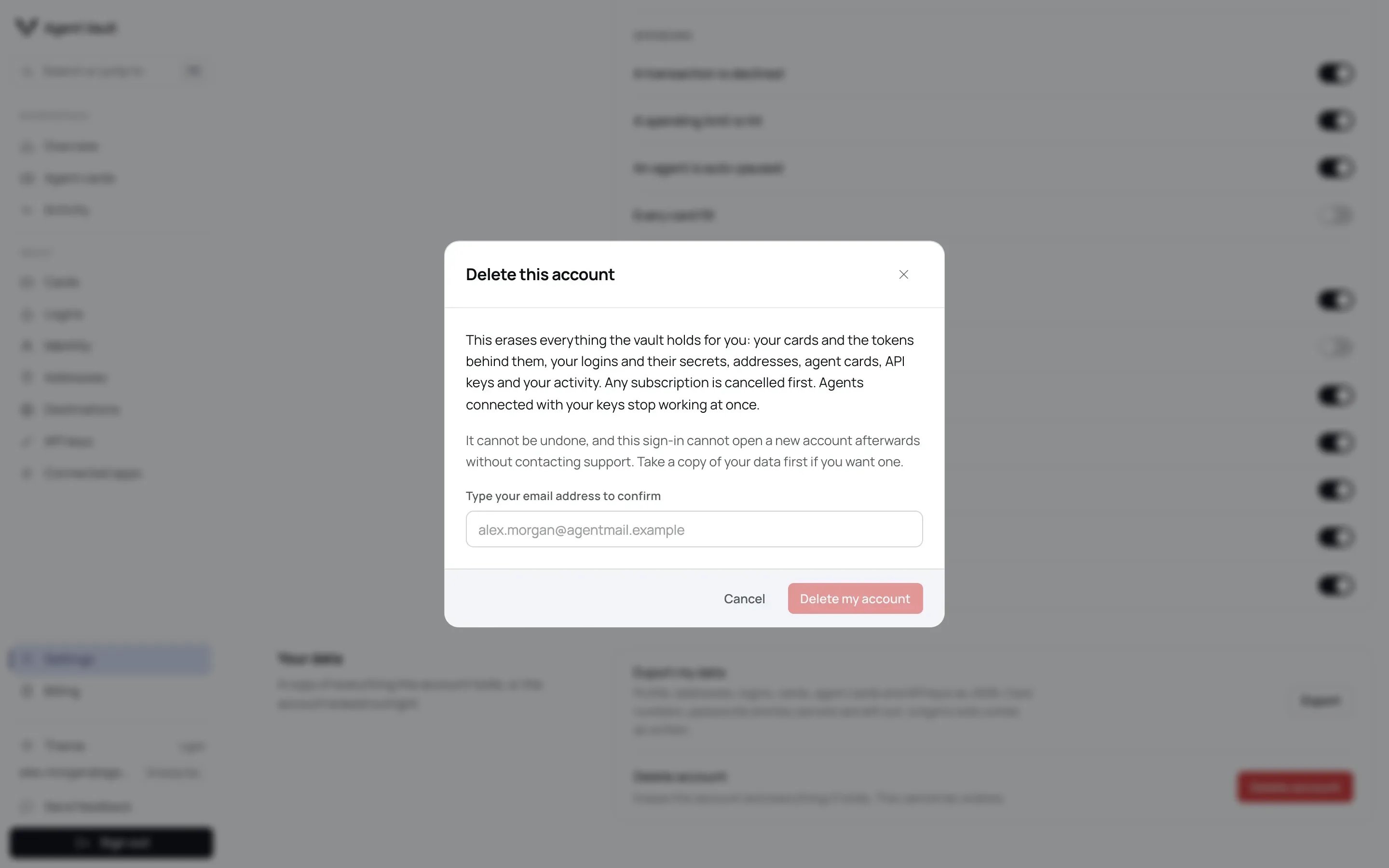
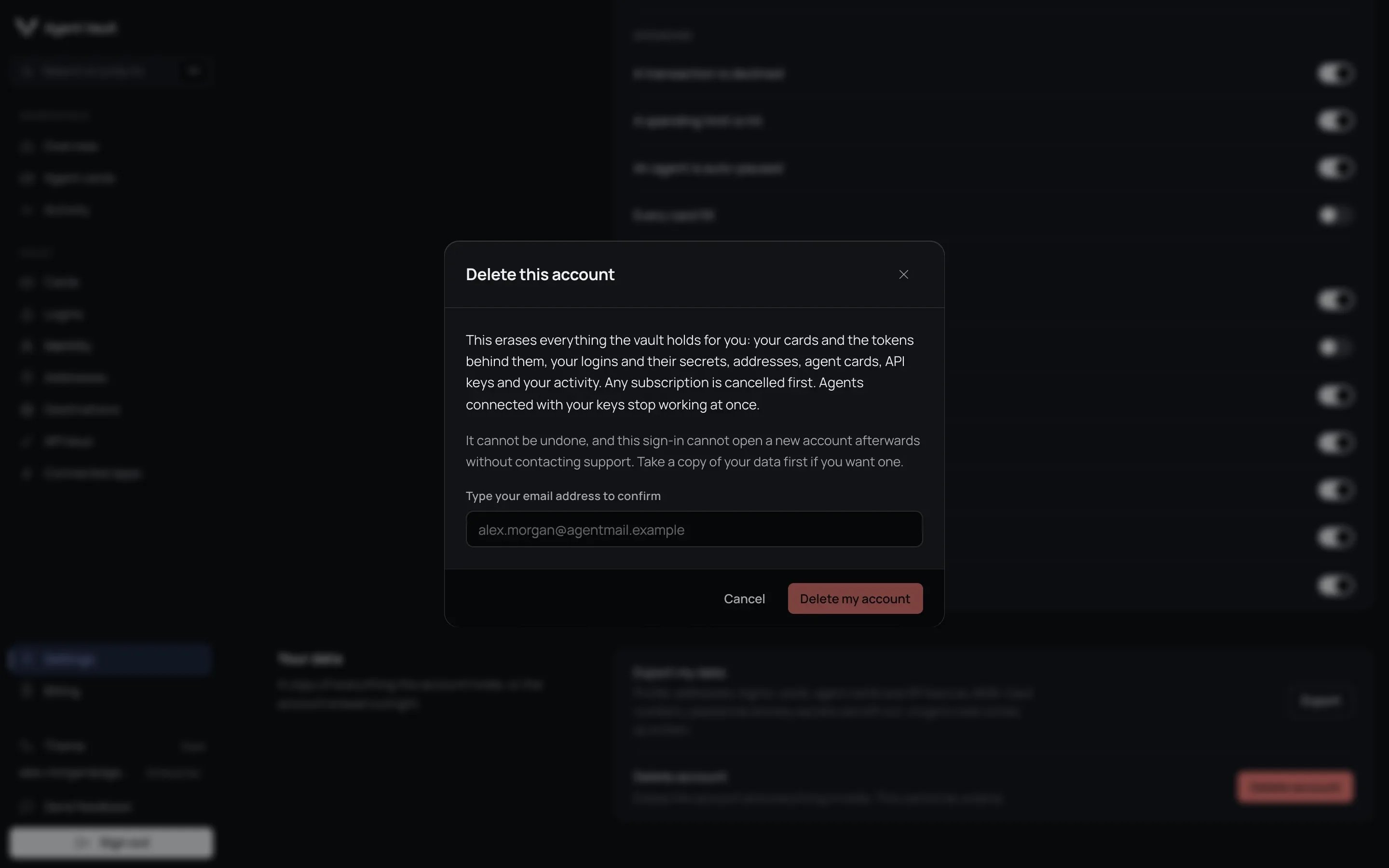
The delete account dialog.
What happens when you delete
Deletion happens in two stages. Everything that can still act for you stops at once. Your history is then erased in the background.
The background erasure runs in small batches until your history is gone, so a
long history takes longer to clear. An interrupted erasure restarts
automatically. You are signed out before it finishes. Records still waiting to
be erased cannot be used by any agent in the meantime. While it runs, Agent Vault keeps a
progress record with your account’s internal ID, when you asked and which step
it is on. That record is removed when the erasure finishes.
What stays after deletion
After deletion, Agent Vault keeps your sign-in identifier. If you ever paid for a plan, our payment processor keeps your billing records. Recipes you contributed that reached the public registry also stay, no longer linked to you. If a cleanup step fails, Agent Vault also keeps one or both of these records until the cleanup is done:Your sign-in identifier
Agent Vault keeps your sign-in identifier and the time the account was deleted. The identifier is the ID your sign-in provider gives your login, not your email address. It holds none of your data and is not linked to anything that was erased. It exists so that signing in again with the same login cannot silently create a new, empty account. It has no expiry. It is removed only if you contact support and ask to use that login again.Billing records at our payment processor
This applies only if you ever paid for a plan. Deletion cancels your subscription and deletes your customer record at our payment processor, which removes your email address and saved payment methods there. It does not delete your invoices, charges or payment history. Tax and accounting law requires the payment processor to keep those, which is why an erasure request does not remove them.Why is card fill history deleted rather than kept anonymously?
Why is card fill history deleted rather than kept anonymously?
Agent Vault moves no money, so the merchant and your card issuer hold the real
financial record. Once the account is gone, the history is no longer needed to
enforce spending limits, and it cannot serve as dispute evidence.
Why are my contributed recipes kept?
Why are my contributed recipes kept?
A checkout recipe may already be published in the public registry for other
agents to use. The recipe stays, and its owner is replaced with a marker no
account can hold. Your note to the maintainer is removed, unless a maintainer
already published it as the recipe’s verification evidence. A submission that
never reached the registry is deleted instead, because nothing else depends on
it.
For developers
Next: Security model to see how stored data is protected.