

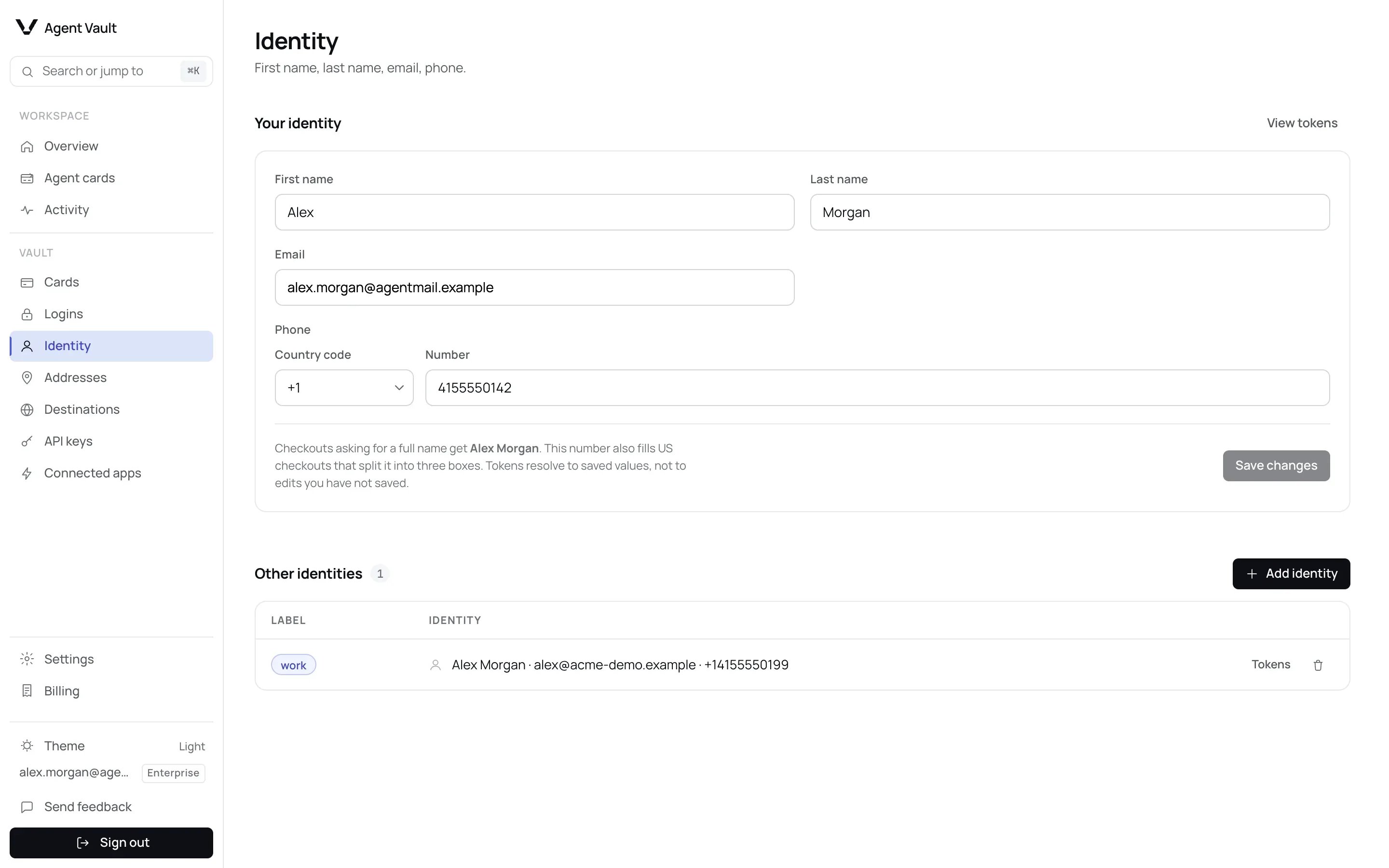
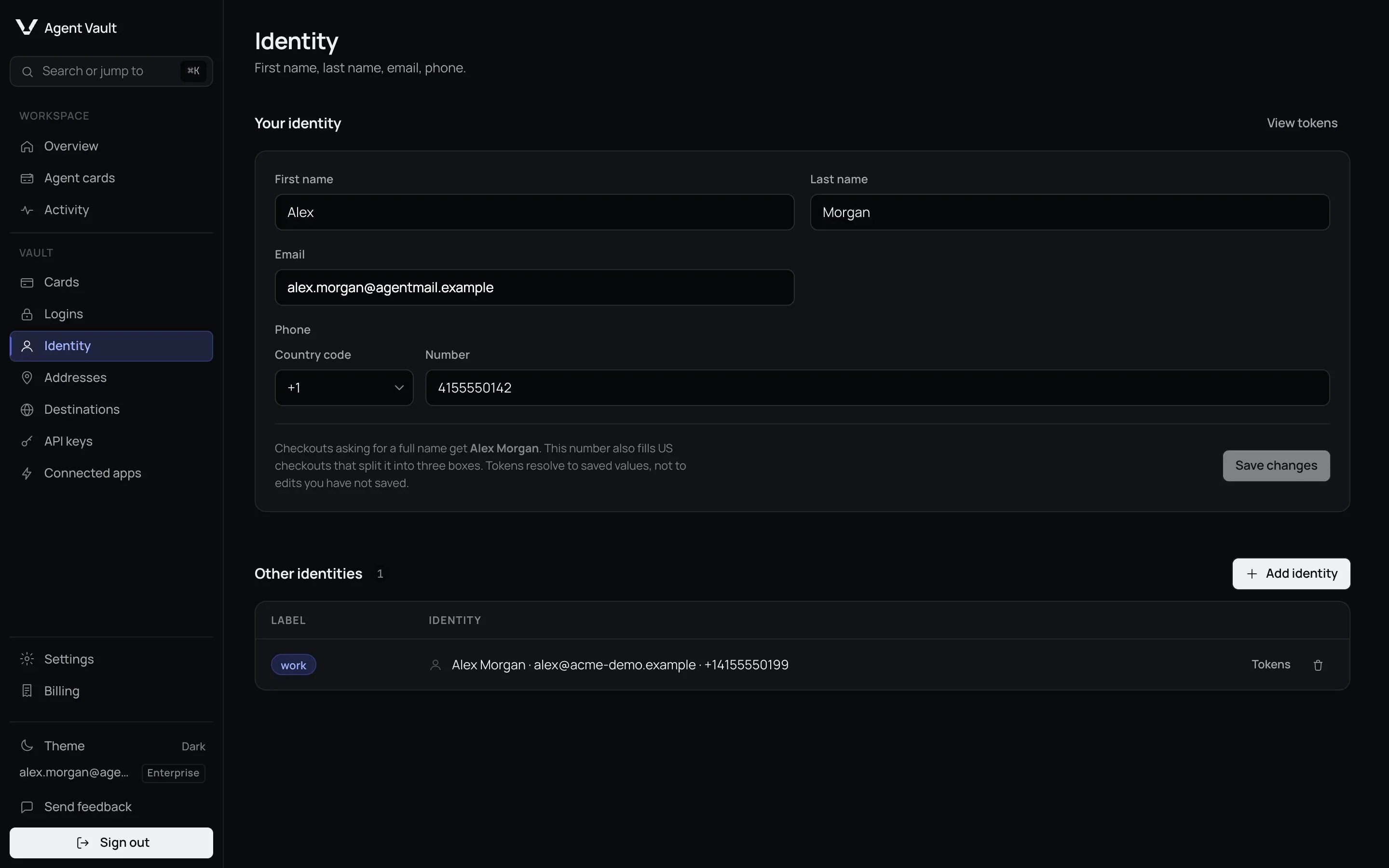
The Identity page.
Identity
1
Open Identity
In the sidebar, under Vault, click Identity.
2
Fill in Your identity
Enter First name, Last name, Email and Phone.
3
Click Save changes
The button reads Saved for a moment.
Below the form, the page says whether your number also fits US checkouts that
split it into three boxes.
Add another identity
Add one when an agent needs a different email or phone, such as a work address.1
Click Add identity
It is under Other identities.
2
Enter a Label
For example
work: lowercase letters and digits, up to 16 characters.3
Click Add identity
Fill in at least a name, email or phone first.
default. Tell your agent which label
to use. To remove it, click the trash
icon, then Delete identity.


A second identity labelled work.
Older phone numbers
A phone saved before the Country code box existed may still be stored as the text you typed. Until you save it again, your agent’sphone token fills
that text unchanged, for example 5550100134 with no country code, rather than
the international form +15550100134.
To store it in international form:
- Your identity: check Country code and Number. Fill them in if they are empty, then click Save changes. The button is active only after a change, so if both boxes already show your number, retype one digit of it. If you save other fields while both phone boxes are empty, the old number is removed.
- Other identities: these cannot be edited. Delete the identity and add it
again with the same label, typing the phone with its country code, such as
+15550100134. Its tokens keep the same names, because they are built from the label.
Addresses
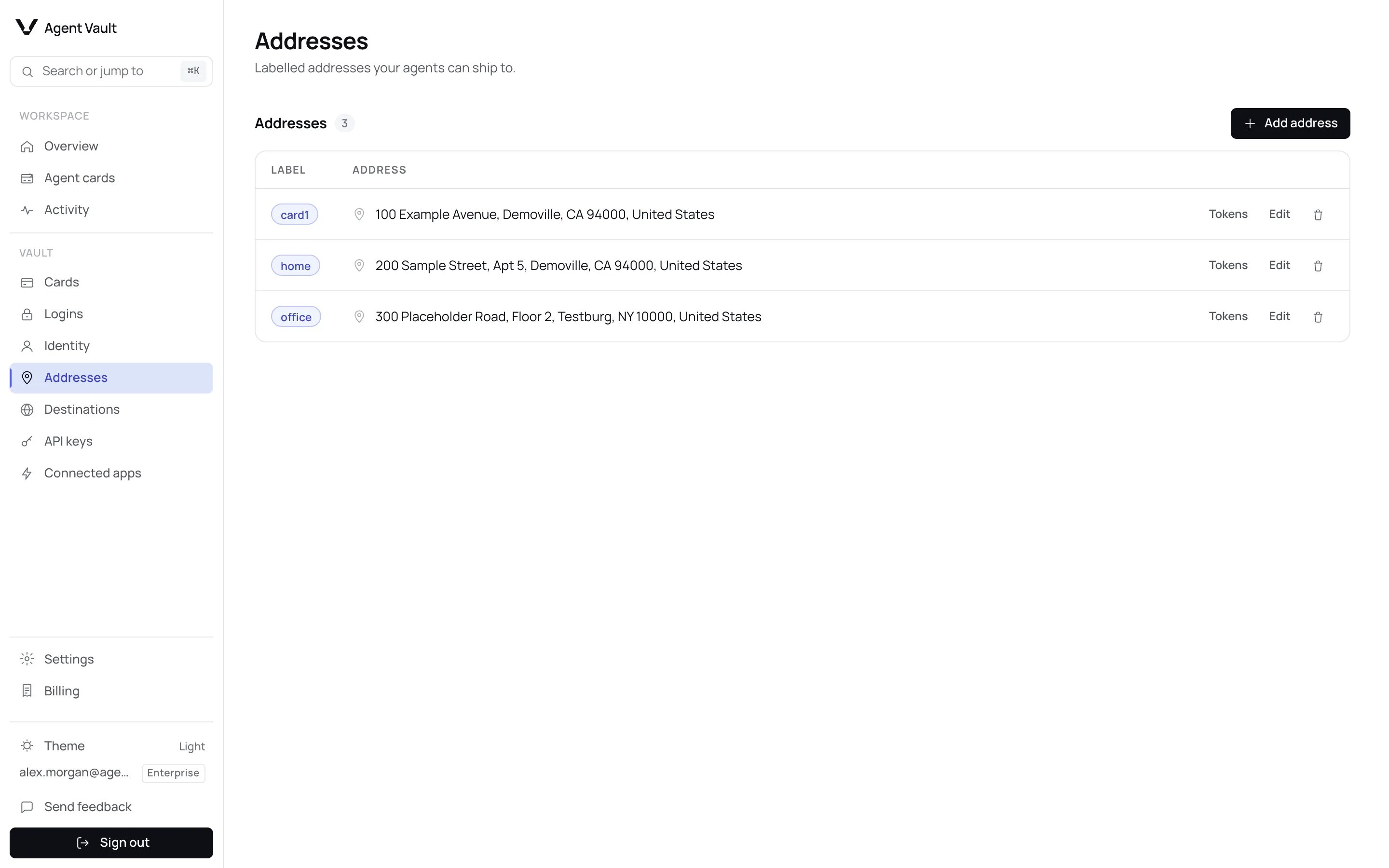
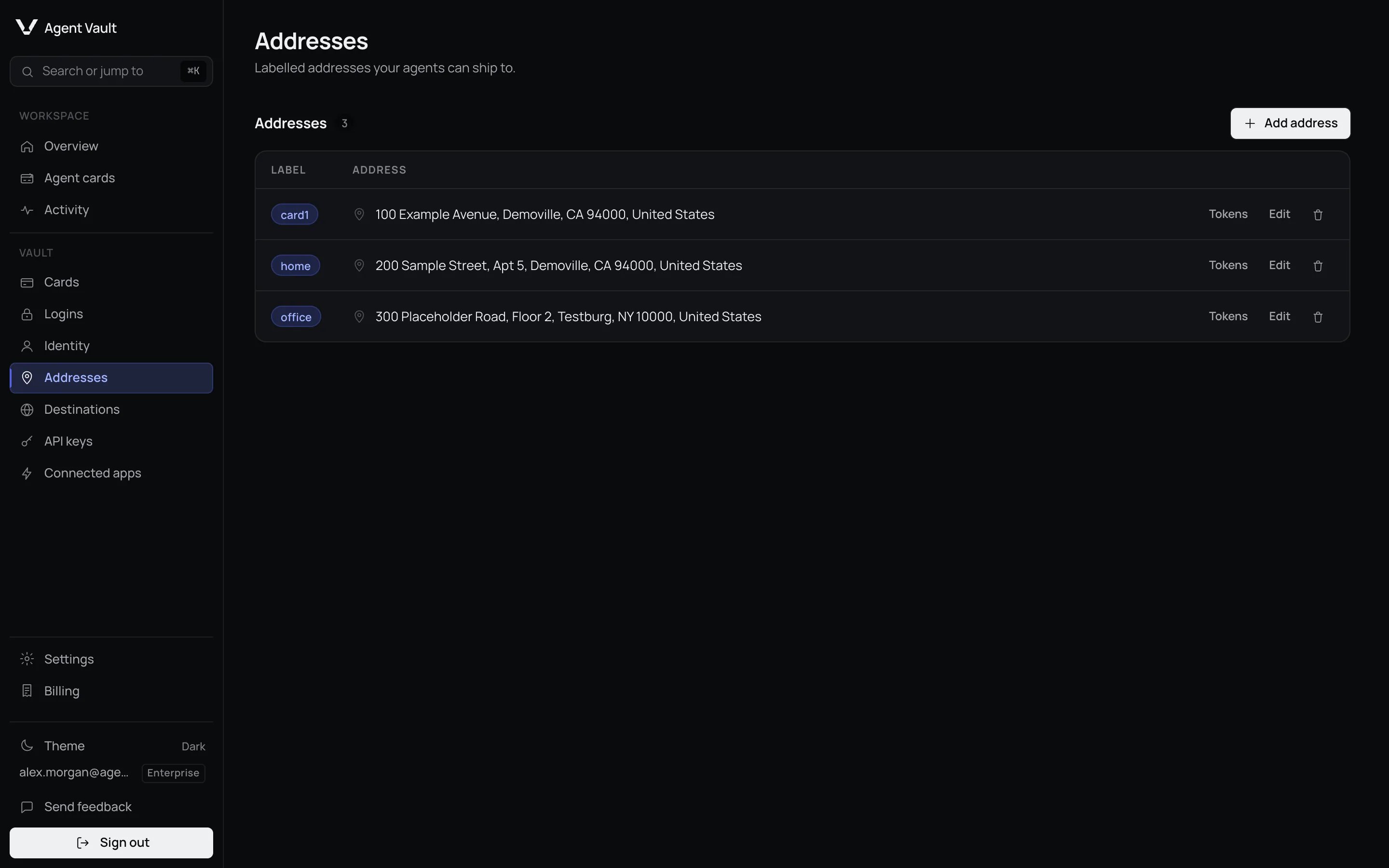
The Addresses page with three saved addresses.
1
Click Add address
It is at the top of the Addresses page.
2
Enter a Label
Lowercase letters and digits, up to 16 characters. See the table below.
3
Enter the address
Apartment, suite, etc. is optional. Every other field is required.
4
Click Add address
The address appears in the list.
An address you type while adding a card is saved as
card1 or similar. You can
rename it. Words the tokens already use, such as id, addr, login, card,
cvv, an address part like city or an identity field like email, are
reserved. The form refuses them, but shows only That address could not be
saved. Check the fields and try again., so pick another label. Your agent cannot see
which address is linked to which card, so tell it the label of each card’s
billing address.
To delete an address, click the trash icon, then Delete address. Check
Cards first: a card using it as its billing address is left
without one.
What happens when…
For developers
A deleted address returns
token_not_found. Every token is on the
Token catalog.
Next: Cards to link a billing address to a card.