

Before you start
- A proxy session on the checkout or sign-in page.
detectChallenge()andrequestChallengeHandoff()in the SDK, ordetect_challengeandrequest_challenge_handoffover MCP.- An account holder reachable within about 10 minutes. Background alerts on their phone is the most reliable channel.
Hand off a challenge
1
Poll for success or a challenge after you submit
A 3DS frame can appear a moment after the click, so poll for a short window.
2
Check ambiguousOnly before anything else
ambiguousOnly: true means a field might be a code input, flagged only because this sign-in recently filled a password. The handoff refuses it with handoff_not_applicable. Fill tokens.totp if it is that login’s authenticator step. Otherwise report the step as unresolved.3
Request the handoff
challenge_required.An MCP client that cancels the tool call after 60 seconds does not cancel the handoff. Do not request it again: once the account holder is done, re-orient with wait_for_selector or get_session_outcome.4
Read the outcome
5
Check the page before you continue
Use
observe() and a selector count(). Take no screenshots after a handoff, even if you filled nothing: the page can echo what the account holder typed.What the account holder sees
They get a dashboard banner. They also get an Open live checkout email and a desktop or Background alerts notification on each channel they turned on, as long as their A checkout needs me to clear a bank or verification step switch is on. The banner names the step: “Your bank needs to verify a payment”, “Your checkout needs a one-time code”, “Your checkout hit a human check” or, for a silent block, “A site stopped responding to your agent”.

The dashboard banner for a waiting challenge handoff.
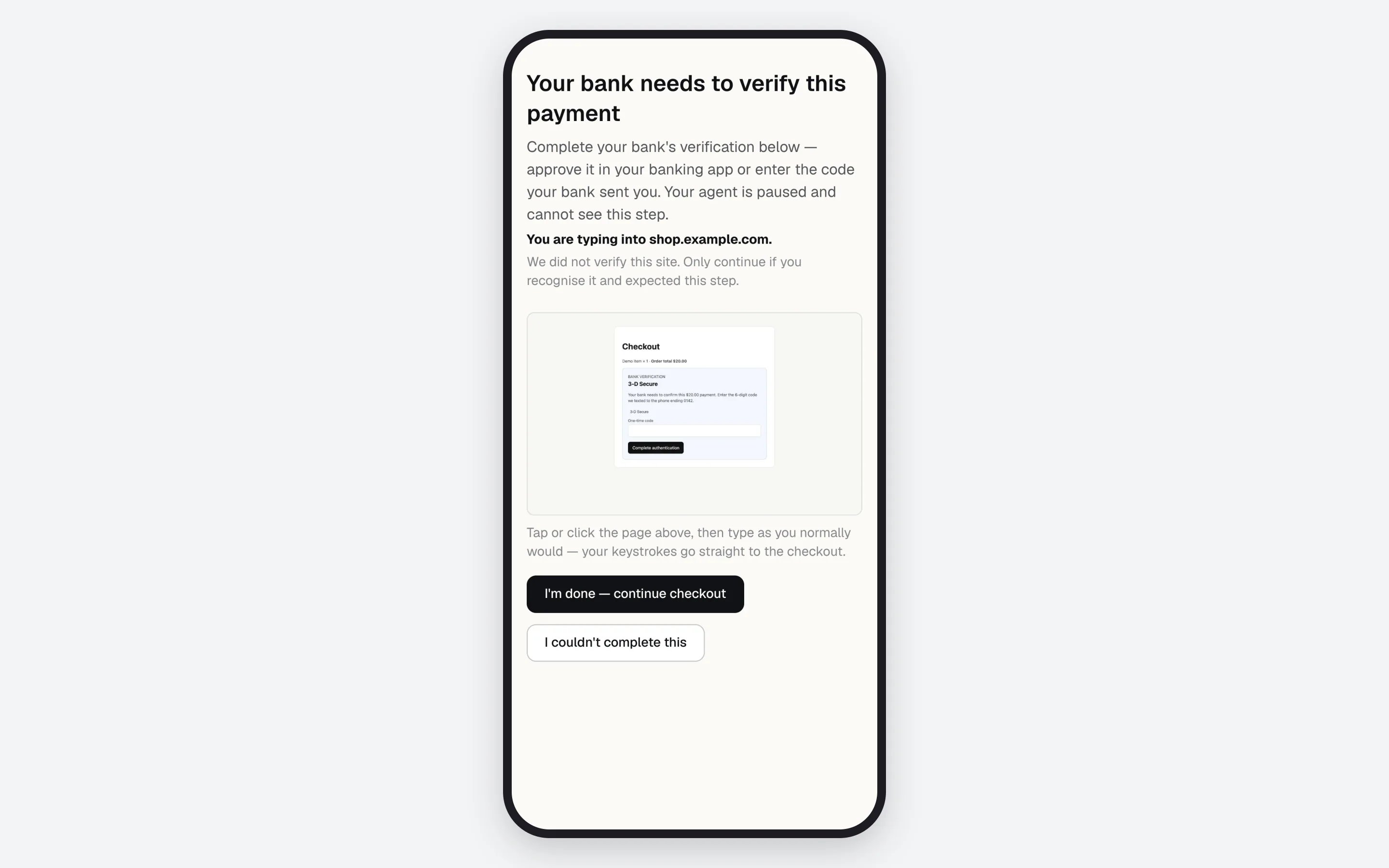
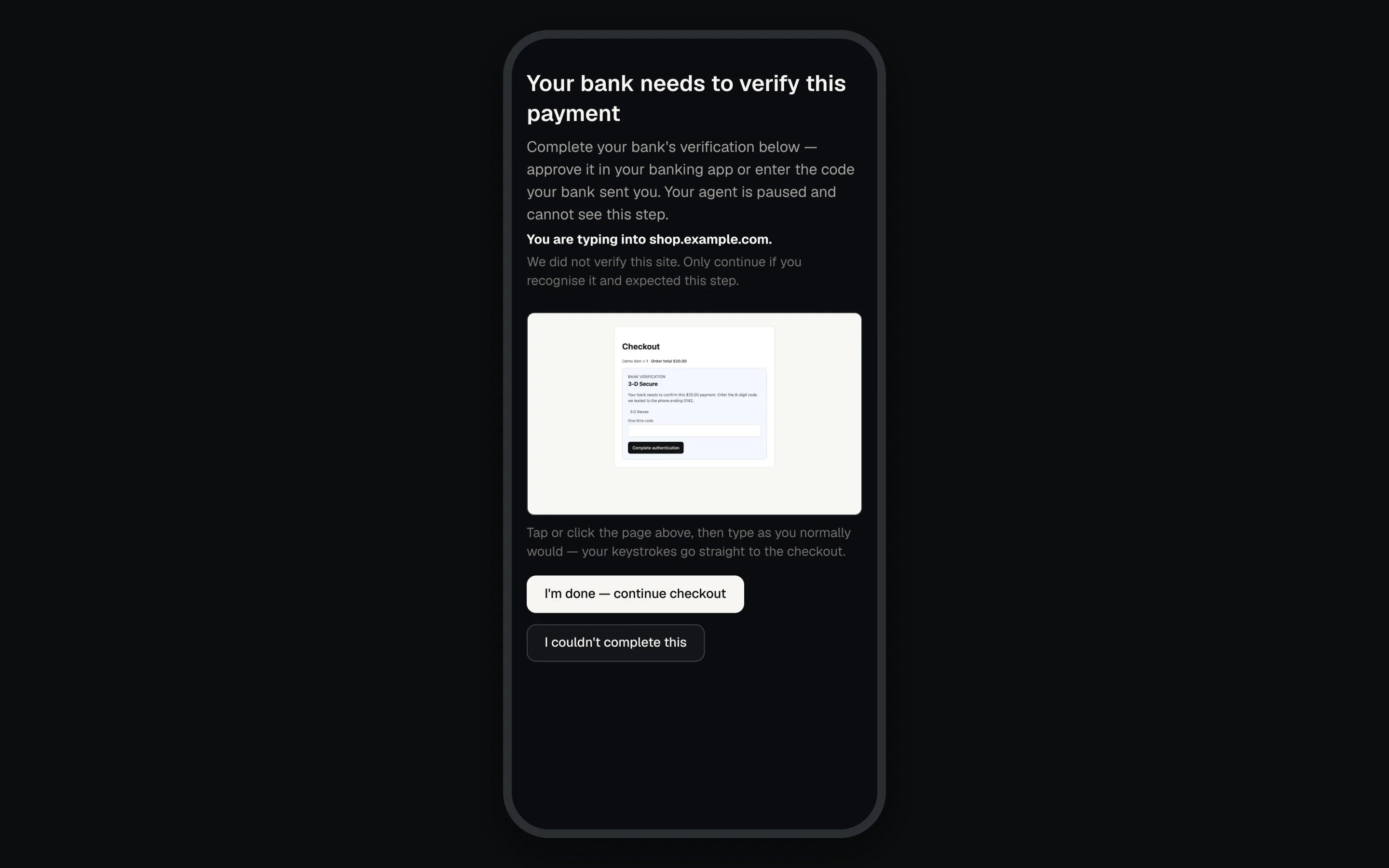
The live checkout, streamed to the account holder's phone.
Reading detectChallenge()
type ranks 3DS over OTP over CAPTCHA, but an ambiguousOnly OTP ranks below CAPTCHA. types lists every match. blocked is reported only when a finished scan found none of the others.
deliveredCode: checked before the TOTP branch. When it istrue, the code went to the account holder, so hand off even if you just signed in with a login that hastokens.totp. Absent means the page named no channel, and the authenticator rule above applies.signature: set only onblocked.stalled_searchis a loading indicator still up well after your last submit.search_bounceis a click that landed back on the page you came from, showing an error.error_referenceis an error dialog with a reference code where the results should be. The account holder takes the live page and either gets through or confirms the site refused.inconclusive: the scan did not finish, so everyfalsemeans unknown. A finished scan omits the flag: test!result.inconclusive.{ detected: false }: matched no known pattern. It is not proof. For a stalled sign-in, see the sign-in diagnosis.
When does the sign-in context behind ambiguousOnly end?
When does the sign-in context behind ambiguousOnly end?
It covers this page, the page that opened it, and any page it opened, since single sign-on runs across two windows. It ends when an address, card, CVV or name token is filled (a phone segment counts, a whole phone or email does not), or about 10 minutes after the password fill.
Why does completed count as continue?
Why does completed count as continue?
Treating
completed as failure would abandon checkouts that cleared whenever the agent and proxy run different versions. Treating it as proof would carry on into a step still showing. So continue, and always check the page afterwards.Test the handoff
Open the practice checkout at/demo-checkout on your dashboard’s address, tick Simulate a bank verification step (3DS/SCA) on submit, and run the loop above end to end. The page simulates the step, so the test card exercises the same handoff.
A 3-D Secure step handed to the account holder and released.
If something goes wrong
Full codes: Error codes.
Next: Confirming what happened to prove the order landed after the handoff.