

Before you start
- You submitted the order once. See Run a checkout end to end.
- You know the submit selector you clicked, a selector that appears only on success, and one that appears only on failure.
- Any 3DS or wallet popup is handled. See Handle challenges.
Confirm an order
1
Race the success and failure markers
outcome is success or failure (named in matched), timeout (neither yet, not a failed checkout), or cancelled (a handoff took the page). Use this instead of reading the confirmation page, which redaction blacks out.2
Check corroborated is true
Pass
confirmsCheckout: true only for a checkout, with the submitSelector you clicked. The confirmation is recorded only when:- The submit control has left the screen.
- No tab this page opened is waiting for
wait_for_popup. - The page shows no error, rate limit, sign-in step, sent-code notice or challenge.
- The success selector is still there, and the failure selector is not.
corroborated: true. A false names the failed check: do not report an order on it.3
Read the run report
Call
get_run_report, or close_session, which returns the same report. It still answers after you navigate away.A
timeout from the last step does not mean nothing was filled. If filledFieldKinds contains card, the card went in.4
Settle anything unclear with the merchant
If a card went in and nothing was confirmed, check the order page, the account’s order list or the receipt email. The emailed receipt is the source of truth.
5
Tell the user
Say three things:
- What the run report says was filled, by kind.
- Whether a confirmation was corroborated.
- If a card was filled with no corroborated confirmation: a card number reached this merchant, whether it was charged cannot be established from here, and where they can check.
What the account holder sees
Their Activity page normally shows each session: the kinds of token filled, any refusals, and whether a confirmation was recorded. Recording is best effort, so an event that fails to save is missing rather than retried, and a gap does not prove nothing happened.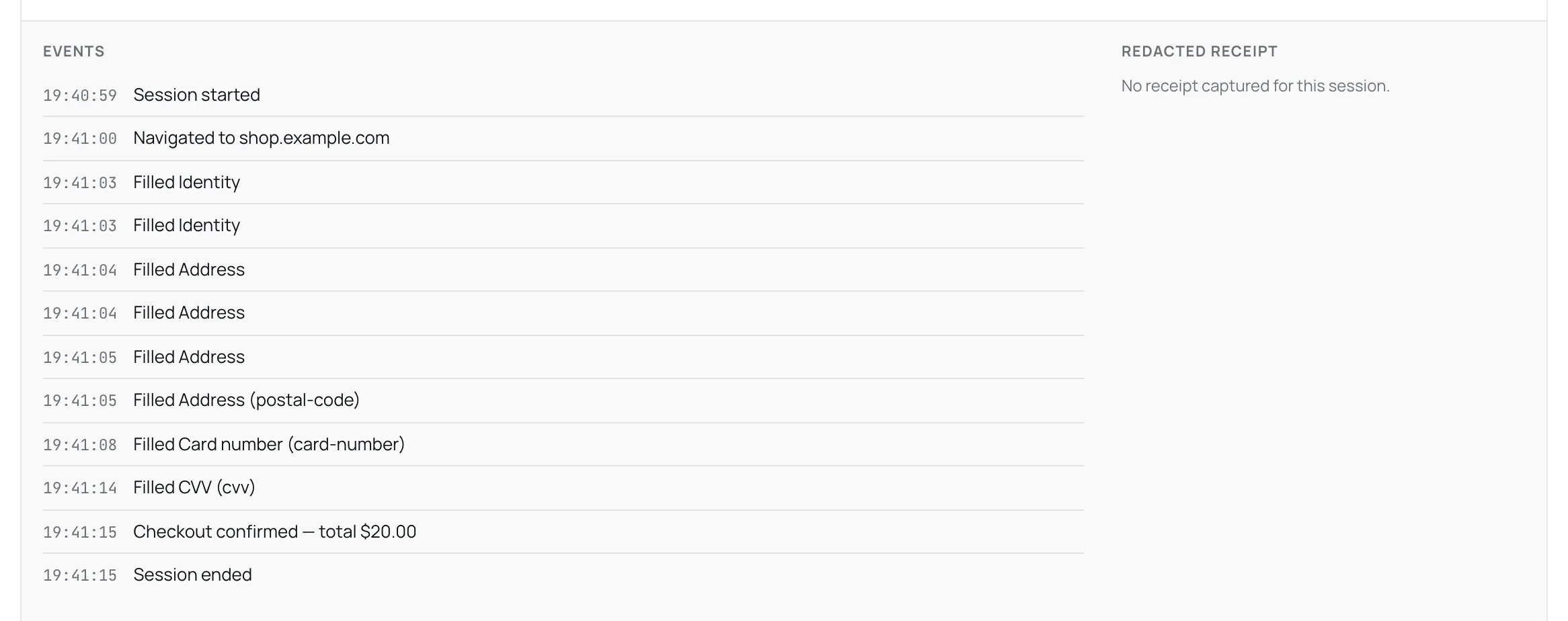
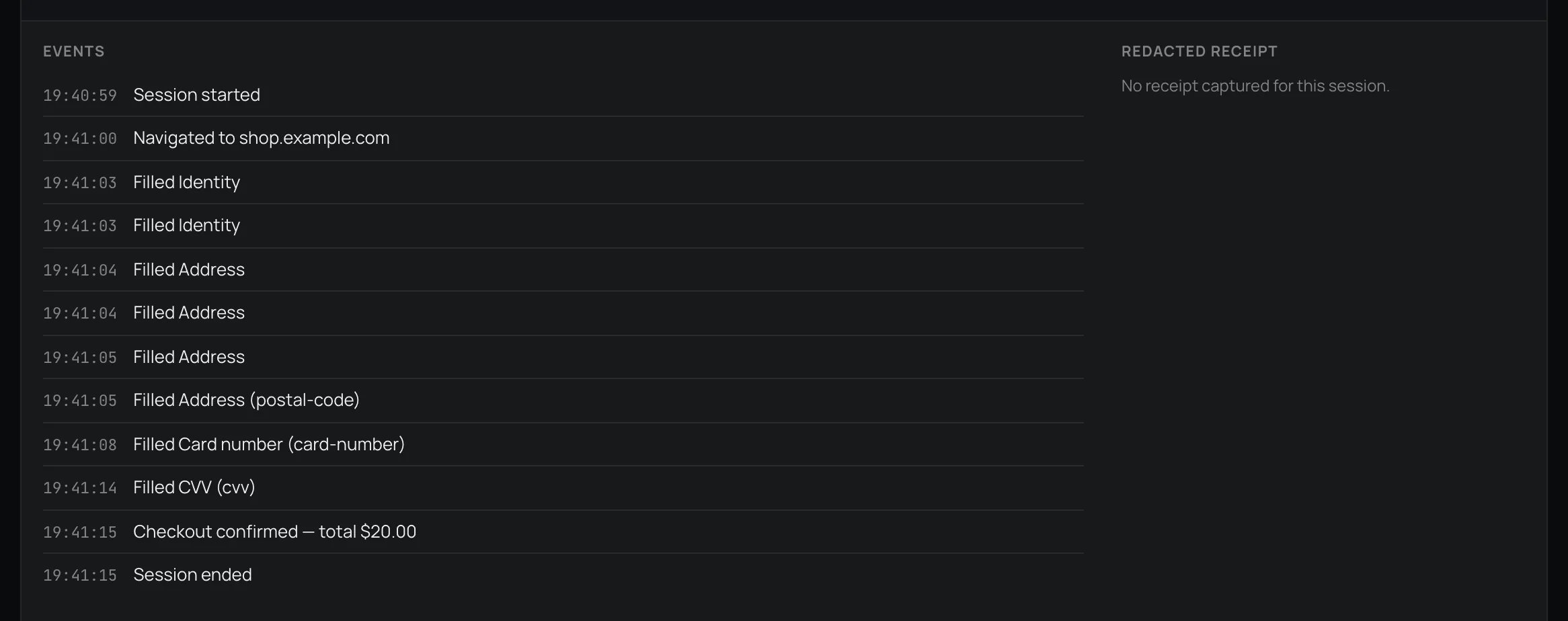
A confirmed session on the Activity page.
- Most checkouts show no receipt image. One is stored only when the session filled no sensitive value, because a confirmation page can repeat filled details where redaction cannot cover them. See Redaction.
- Spend counts when the card is filled, not when it is charged. An abandoned checkout still counts toward the agent card’s spend and is not reversed. Reconcile against the card statement.
In the SDK
browser.outcome() returns the run report. Its confirmationDetected is set only by your own page.recordOutcome() call, and it is not corroborated. recordOutcome() records a confirmation on the current page whenever you call it. It does not race success and failure markers or check that the submit control left the screen, as get_session_outcome does over MCP.
So true means your agent decided the order landed, nothing more. Make that call from your own check of the page (a success selector present, the failure selector absent), and settle any doubt with the merchant before you report a charge. false is inconclusive. Never call recordOutcome() for a login. Its optional order total accepts a money format only.
If something goes wrong
Next: Contribute a recipe to share a checkout that worked, with its receipt.